Chukwudi what would be the best way of removing some of our members? these are members that would have created a profile a very long time ago, but never paid to activate their subscription
You can now use this memberscript to track member's last activity, notify users and also auto-delete inactive users after providing them a grace period as well.

4 comments
Hi Mo,
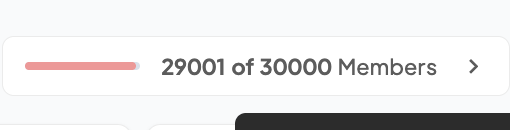
Your subscription will be automatically updated to include a 20K member add-on, which comes at an additional $49/month for every 20k members added.
The progression works like this: 10k -> 30k -> 50k -> 70k as you grow, with no service interruption.
You're completely set up to scale – no action needed on your end.
thanks !
Chukwudi what would be the best way of removing some of our members?
these are members that would have created a profile a very long time ago, but never paid to activate their subscription
Hi Mo,
You can use automation tools like Make (formerly Integromat) to handle selective deletion.
With Make, you can:
This approach gives you precise control over which members to remove without affecting active accounts.
For future readers,
You can now use this memberscript to track member's last activity, notify users and also auto-delete inactive users after providing them a grace period as well.
Hope this helps.
Please sign in to leave a comment.