
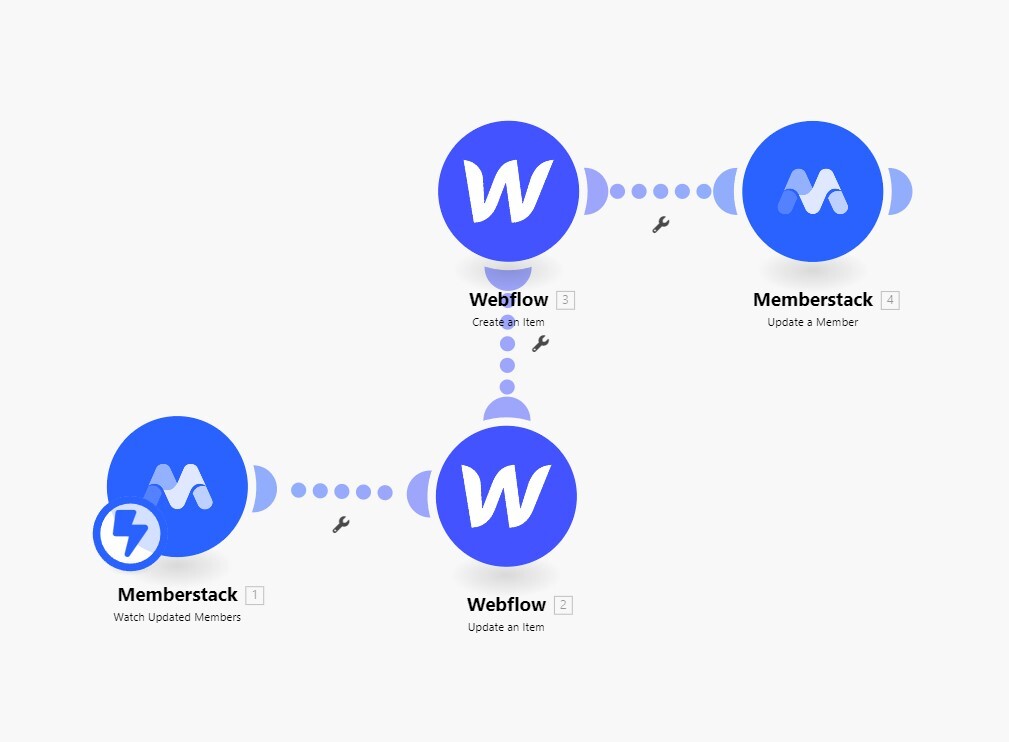
Hello Everyone! I am still struggling to get this scenario to work. I would like to have Webflow CMS items created when a "Create" profile form is submitted. And when members are logged in, they can use an "Update" profile form to make updates. I have been searching high and low but can't seem to figure out how to sync this properly. I have set up the scenario as it is in the Loom videos by Julian, but something is missing. I believe the problem is getting the cms item ID to populate in Memberstack so that it can create/update the Webflow cms item in the collection, but not totally sure.... NOTE: I don't mind if I have to manually input some things like images, I just want the CMS item to automatically be created when someone signs up and fills out the create profile form. Please Help!
7 comments
It’s really difficult to know what’s going on without more details. But at a high level it appears you are asking for 2 workflows:
Is this correct? If so…
For #1
The trick is… when you create a new CMS item from the API (Make) the response sends you the CMS item ID. This is gold. You can’t really get this any other way and since Webflow is limited by only referencing items by their ID, you want to take advantage of this.
I typically follow up creating a Webflow CMS item with an update. I take that item ID and store it in a new field within the Webflow CMS. If you don’t want to store that within Webflow, make use of Lookup Tables instead, or store that in Memberstack (your last update module in your screenshot). Lots of options depending up what you’re doing.
Now you’re storing your Memberstack info within the Webflow CMS and can reference that in the future via a lookup 👍
For #2
This is where storing that Webflow CMS item ID become powerful. You can use Make to grab that item ID and then update the Webflow CMS, or you can make use of Webhooks that automatically do this for you, bypassing a Make automation all together. Here’s a walk through of using Webflow Webhooks which gives you a great overview of what Webhooks are and how to use them, though, you’ll want to tap into Memberstack Webhooks instead.
Hope that pushes you in the right direction, cheers!
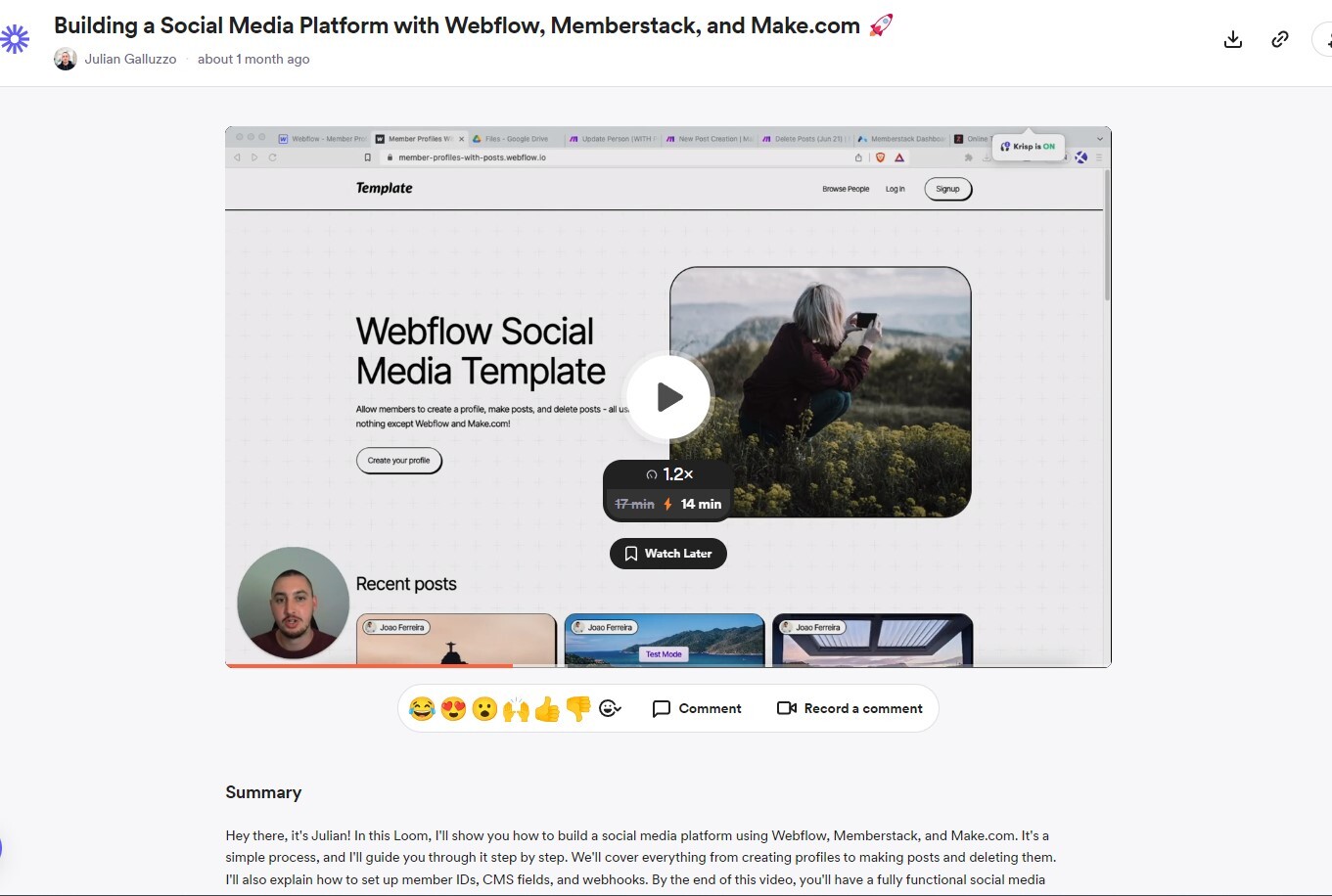
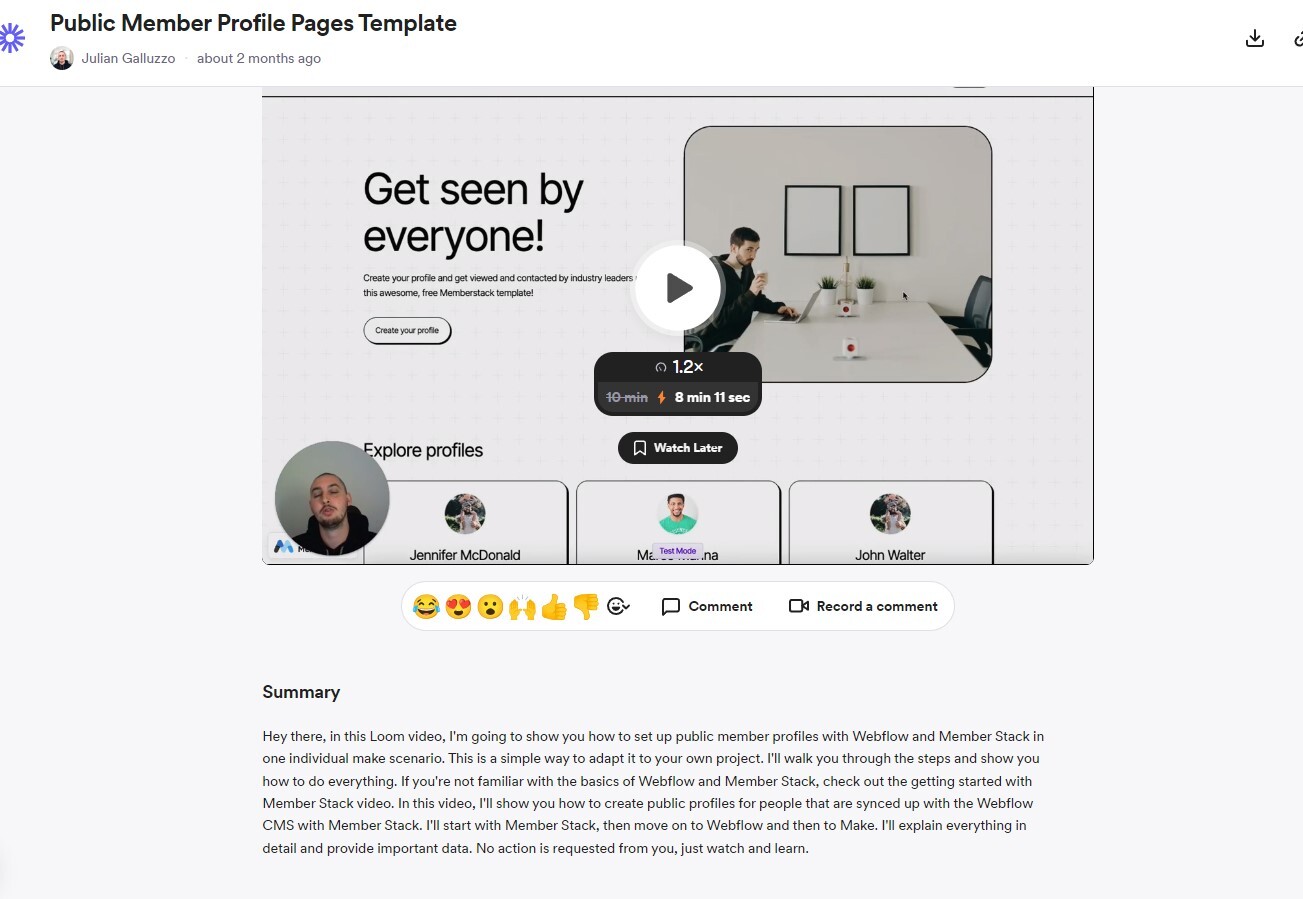
Thank you for your info. In the video, Julian says it all functions with 1 Make scenario. So I tried duplicating what he had. Please view the video and maybe you can understand a part that I am missing: Public Member Profiles
Thanks Chris Drit! 🙏 +1 to what you said.
Vincent Torquato Can you share a timestamp in the video?
Hello Duncan from Memberstack Sure! 7:15 👍🙏
Duncan from Memberstack what I find to be VERY helpful is exporting those Make blueprints for anyone to then import. If you set them up correctly, all the secrets and API keys will not be in those exports.
Then folks like Vincent Torquato who get stuck can import the Make scenario, add their own API keys / secrets and either be off and running or have a detailed example.
I say all this as the video author didn’t go into detail with all of the setup steps in Make. They breezed through it. I’ve found with my audience that if you don’t have a lot of experience in this area, those details are important enough to distinguish between success and failure for your builds.
Hope that helps!
Good news! It looks like we do have the make scenarios. Here’s the link https://drive.google.com/drive/folders/14jsUs1HlD2FkufT7CUY-CzER0BnCcIRY
Vincent Torquato I’m seeing 3 different scenarios. Maybe this is the source of the confusion?
Awesome!! I'll try it out and let you know how it goes!! 🙌 Thank you both so much! 🙏
Please sign in to leave a comment.