
Hi @here
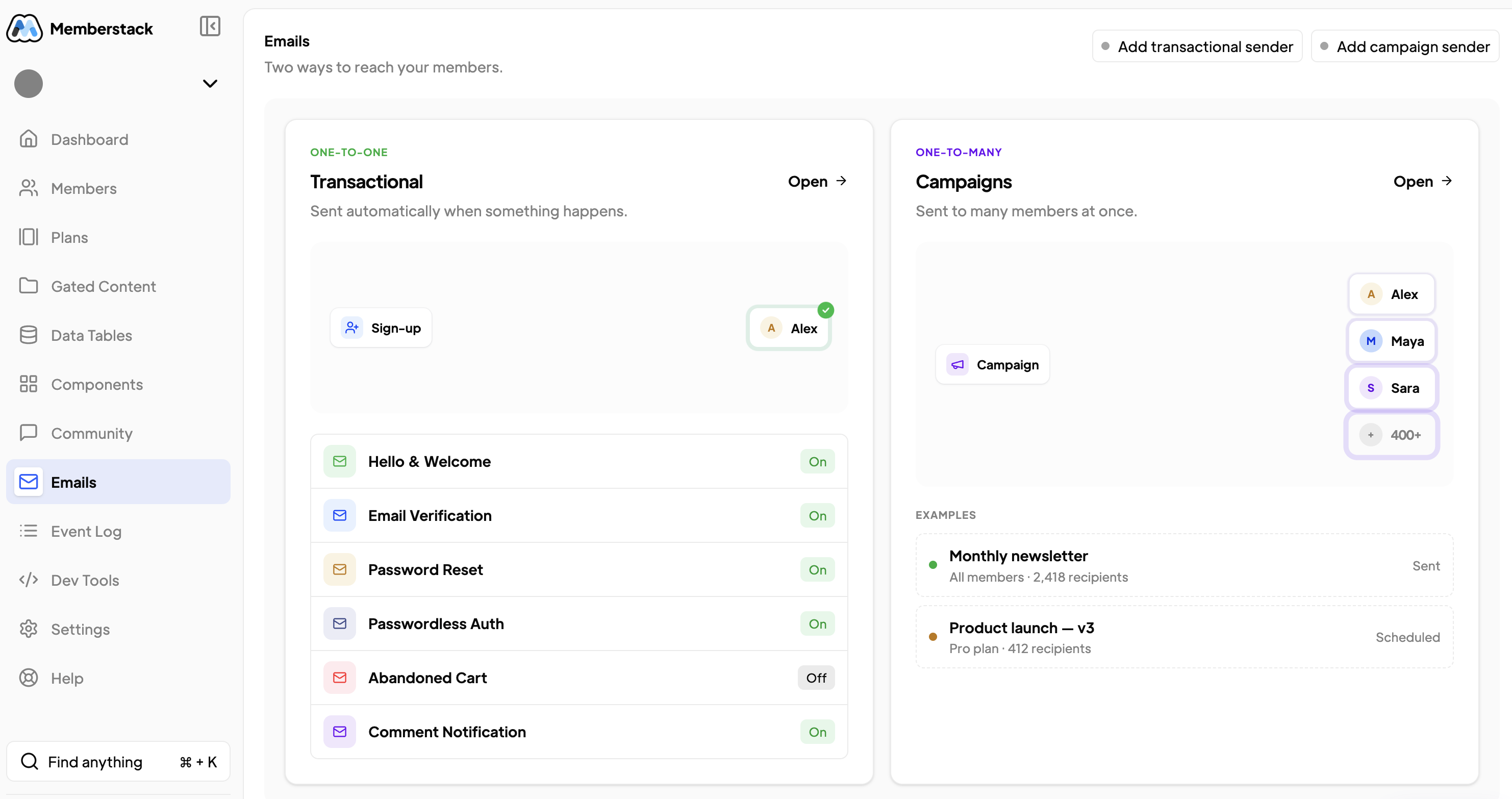
For some reason our verification emails are no longer being sent. When looking this up it looks like “Passwordless Auth” is active but there is no way to turn it off.
Can someone please help
Going to https://app.memberstack.com/apps/app _cmawxbrhn00qd0wqafzazci9f/emails
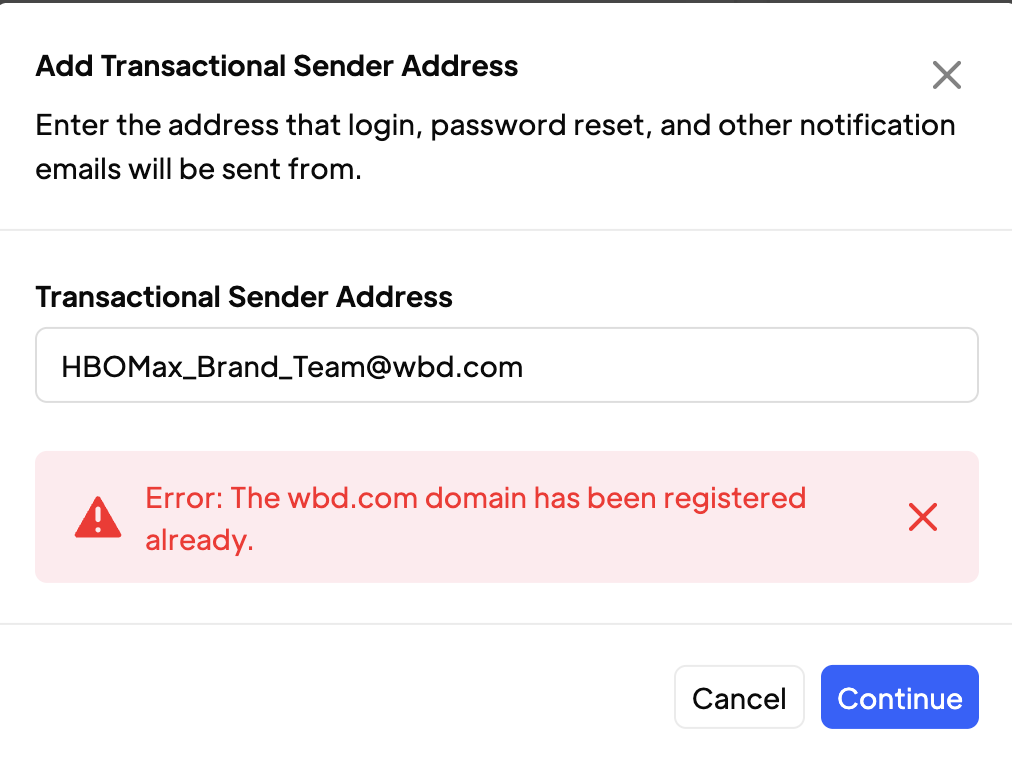
and then clicking "Add transaction sender" But Im getting an error. Again this was working before. Not understanding why this changed all of a sudden
Also doesn’t look like we are getting password reset email as well
7 comments
ah so now you can add your custom email domain back...
here's what happened...
Your app was using our legacy email service (postmark).
I just switched your app to use our new email service (resend).
Postmark has been having serious issues recently which is why we switched providers
Unfortunately you will want to add your wbd.com email domain again..
This time it should let you
Okay so Now it works!
Last question!
We’ve created another site/app about 2 weeks ago with the exact same set up. Will that need to be changed as well?
Looks like the Verification email are sent but the “Thank you for Verifying” message is sent immediately after. Even when the user hasn’t hit “verify email”
nope!!! brand new apps automatically use our new email service.
it's been like that for 6 months.
I see in your test the welcome email did send but it appears to have been sent after you clicked verify
see in the logs you had a member signup and receive the email verification email but they haven't verified yet and have not received the welcome email yet.
https://app.memberstack.com/apps/app_cmawxbrhn00qd0wqafzazci9f/emails/transactional/history
I’ll delete and set up again without hitting verify.
Worked as should on HBO app But on the “Darktrain” app it auto sent a “Thank you for verifying…” email
Go to Emails -> Transactional -> Email Verification
and then make sure "Send Welcome Email after Verification"is enabled
Running it again.
Looks like it’s working!
Thank you again!
Hi all @Tyler Bell @Duncan Hamra @AJ!
Tyler I talked to you a week or two ago. I thought the email verification was fixed. I’ve done everything asked, but a lot of our users signing up are not getting the “email verification” email. Yet in Memberstack it’s showing that the email was delivered.
This should be automatic when users sign up but we also have a button to resend the email. Same results. (screenshots attached at our users experience. Please help!
brand.hbomax.com
Some times it sends the email. Other times it doesn’t. No rhyme or reason.[6:27 PM]Also @AJ We are doing the exact same thing for
https://darktrain.hbo.com/
[6:28 PM]Both are doing the same thing
Thank you
Please sign in to leave a comment.