Hi! Small question.
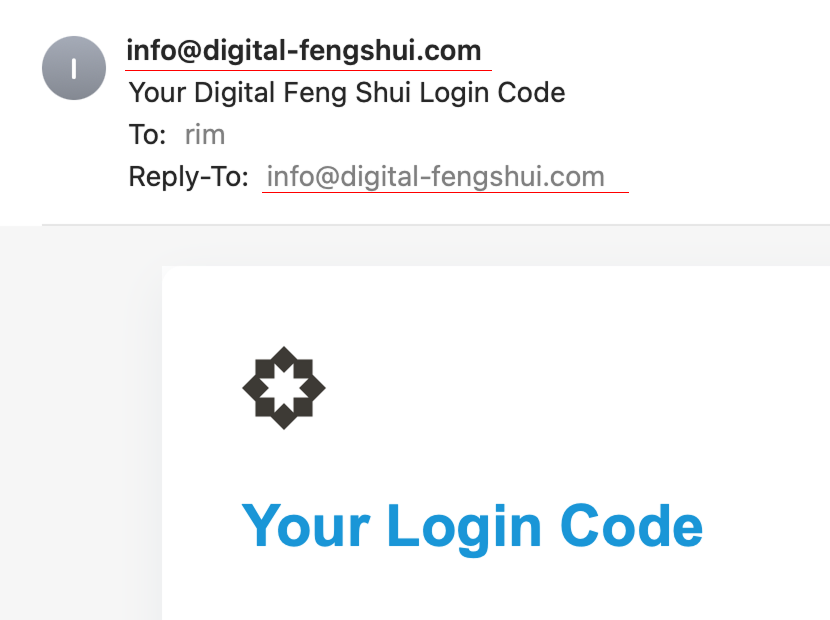
In the Memberstack emails. There is no from-name setting.
Currently, it show only the raw address as the sender
But I would like it to say Digital Feng Shui.
Is there a way to change this?

Hi! Small question.
In the Memberstack emails. There is no from-name setting.
Currently, it show only the raw address as the sender
But I would like it to say Digital Feng Shui.
Is there a way to change this?
2 comments
Hey rimbout bobeldijk,
If you have setup a custom transactional sender email address, you have an option to edit name as well (as highlighted in screenshot #1). When you click on it you will be able to set a Sender name accordingly.
Hope this helps.
thanks that worked 🙂
Please sign in to leave a comment.