
Hello all,
I have a question about a cloneable. I downloaded a memberstack FAQ with a + - toggle next to each faq. I want to style them as H3's, which works if I then reduce text size.
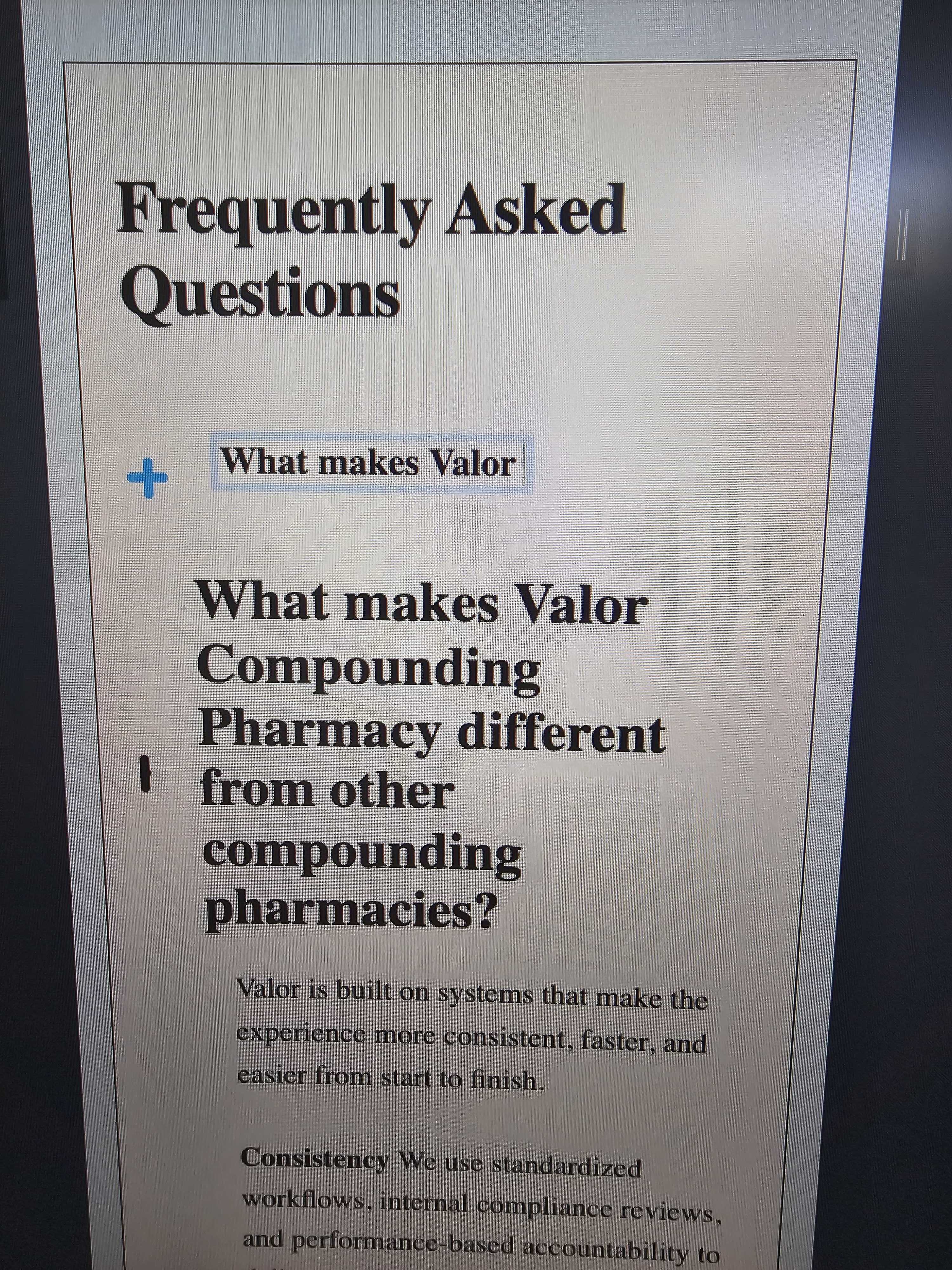
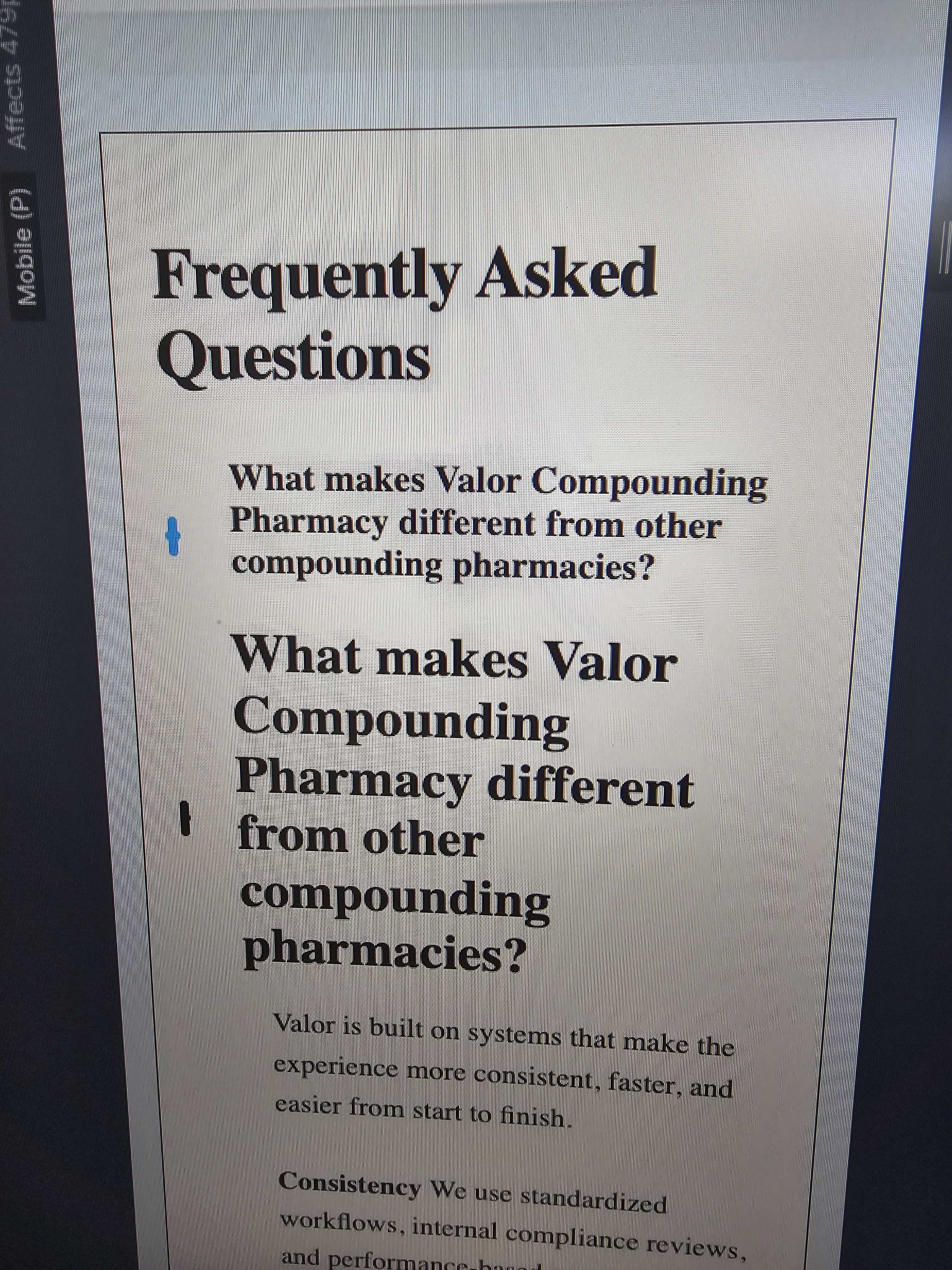
However, if I add a longer question as the faq, it squished the + and - icon together on mobile view.
Does anyone know the fix for this? Some of my FAQ questions are longer. Im believe this is a native download issue and not a changed setting on my end.
I do know if I take the space in which the question is written and I set max width 80%, it fixed the issue. But I want to verify that's the correct fix.
Thank you
https://webflow.com/made-in-webflow/website/free-faq?ref=made-in-webflow-search&searchValue=faq
1 comment
Hey Charles Poloka,
Yes instead of hard-coded pixels as width or nothing mentioned as width you can style the elements in any way to take up the space and not overflow / squish the icons using width / flex properties etc..
So you can customize it as you specifically mentioned above and it should work just fine with open and closed FAQs.
If you see this happening on certain breakpoints, it would help to customize it on such breakpoints (like Mobile) in Webflow.
Hope this helps.
Please sign in to leave a comment.