
Hi everyone!
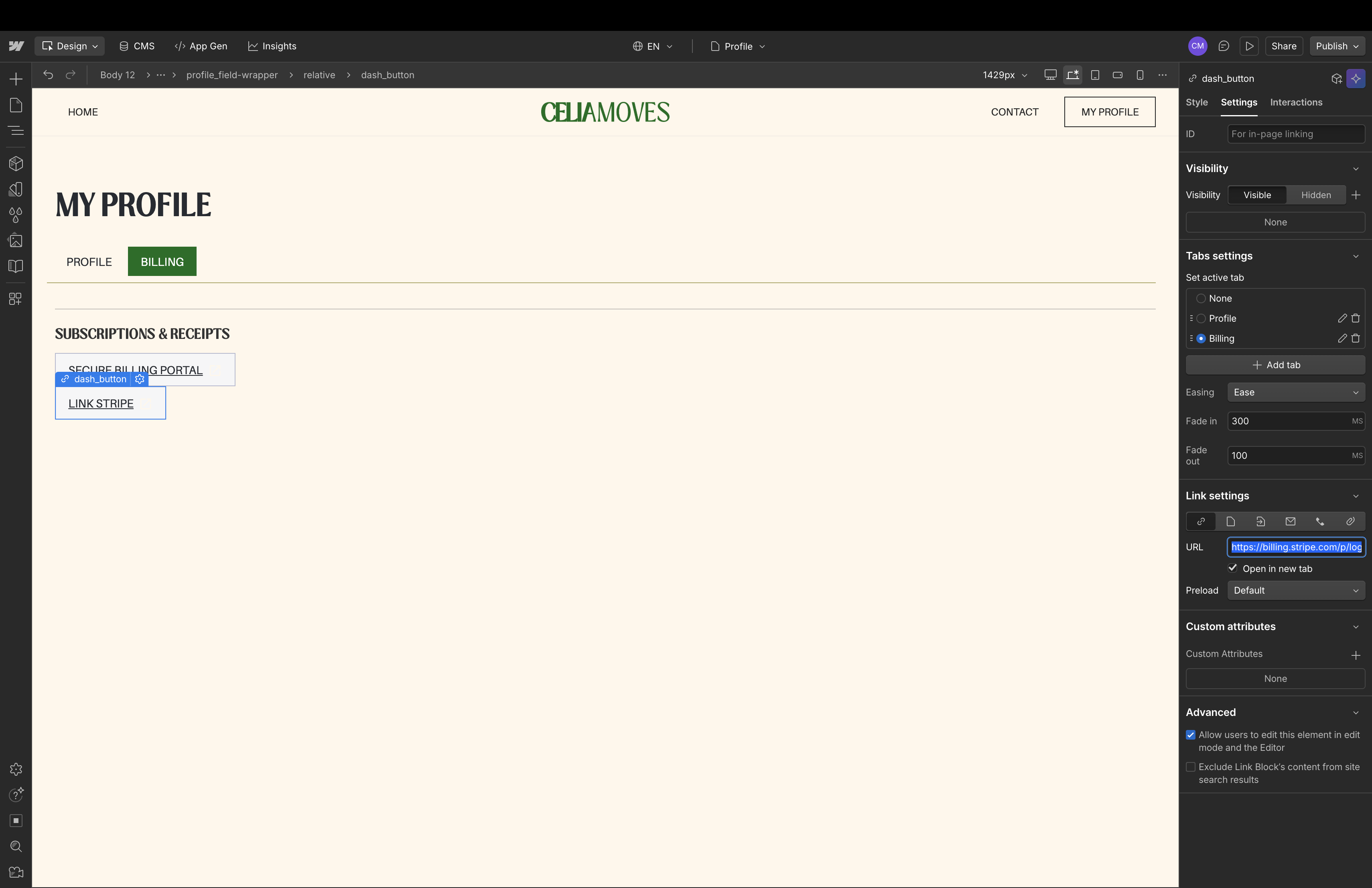
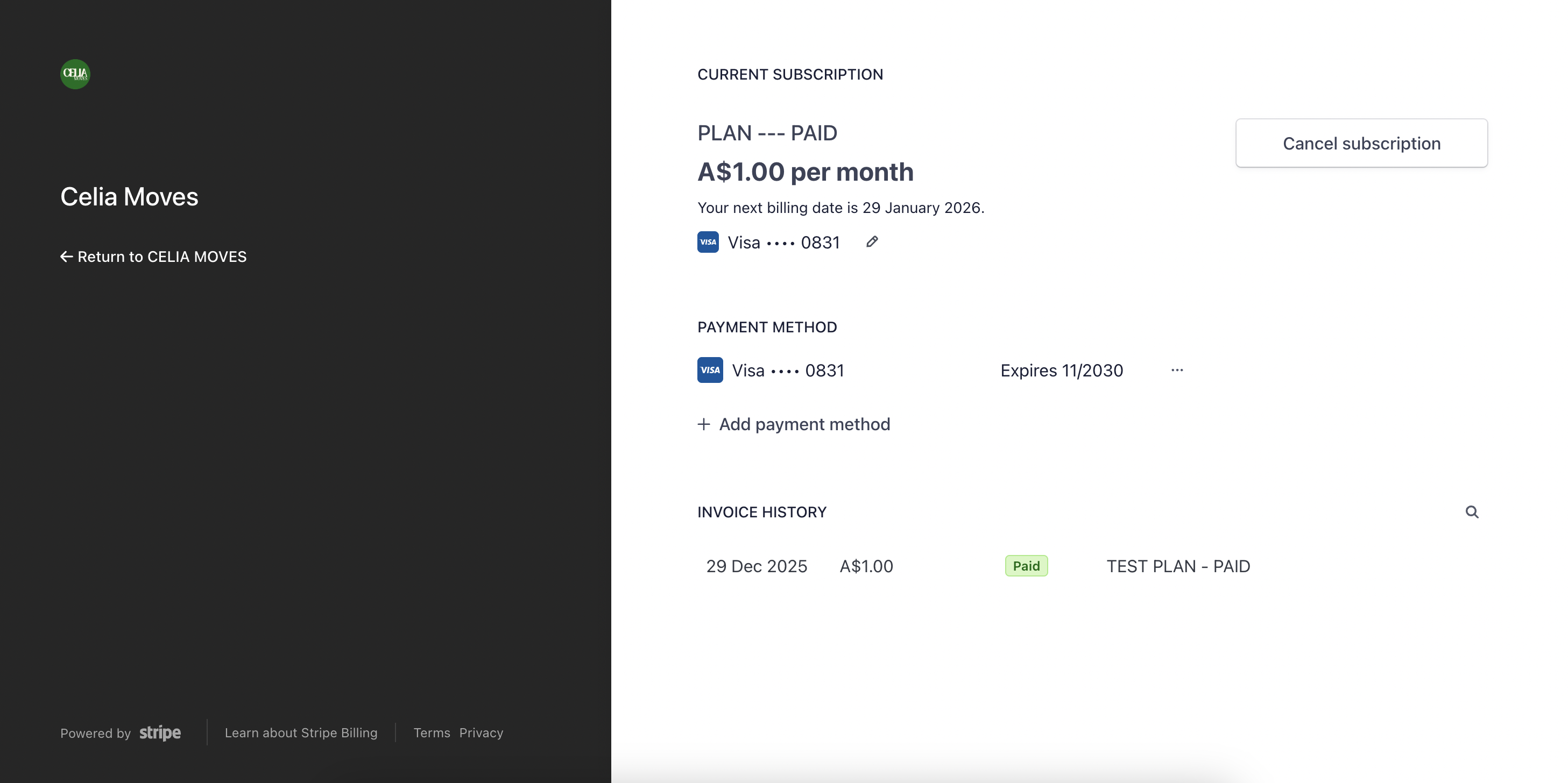
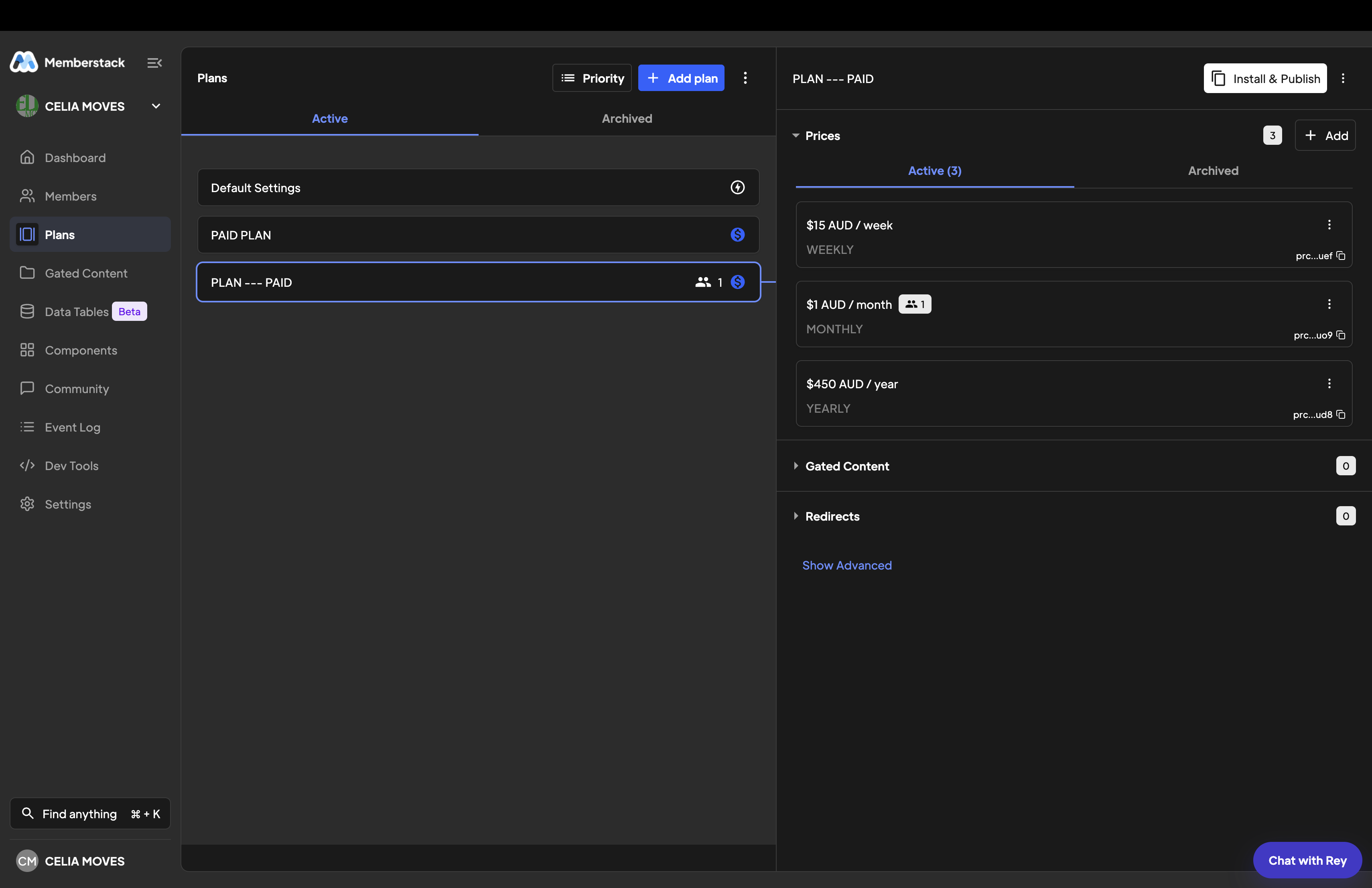
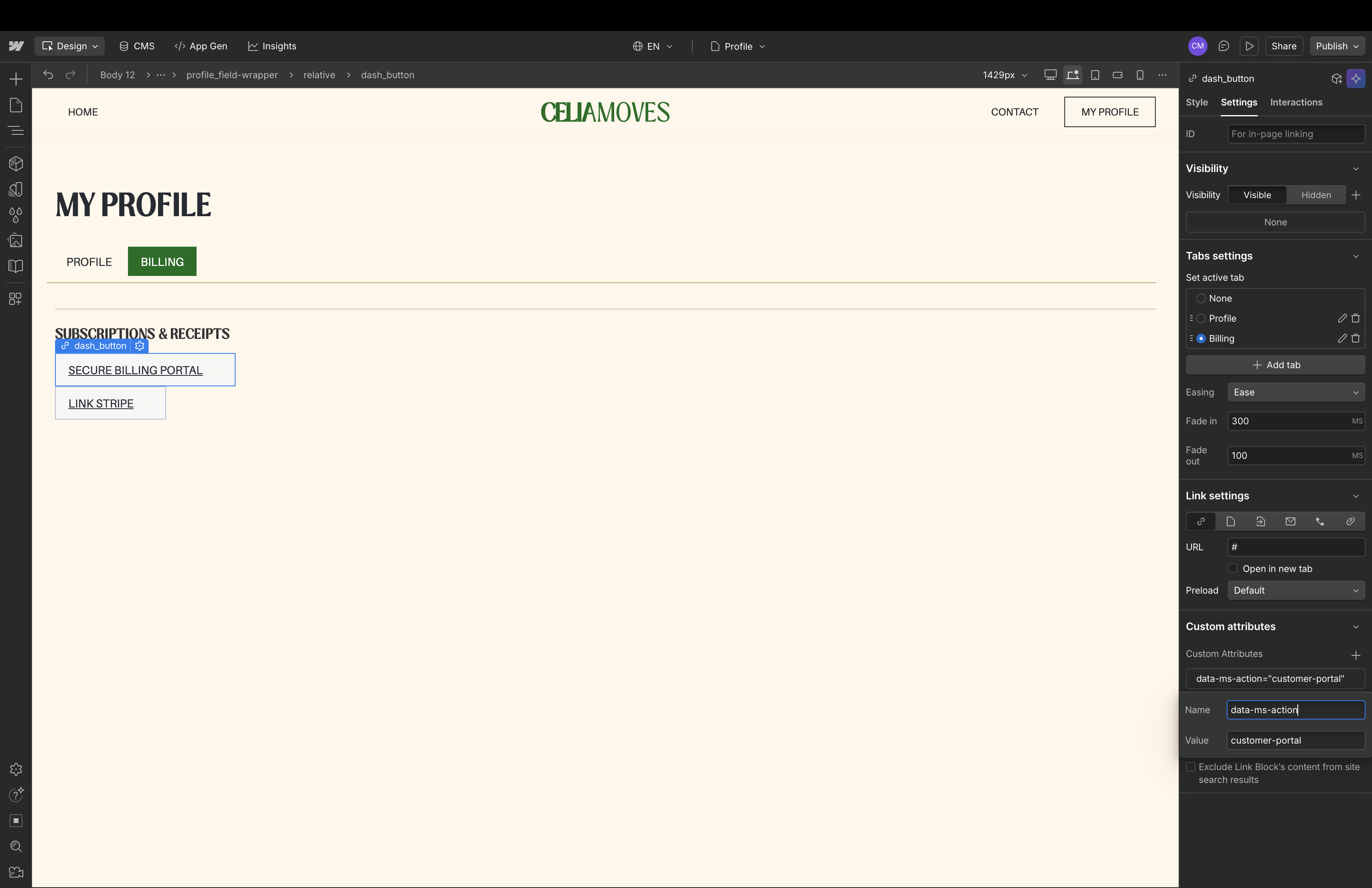
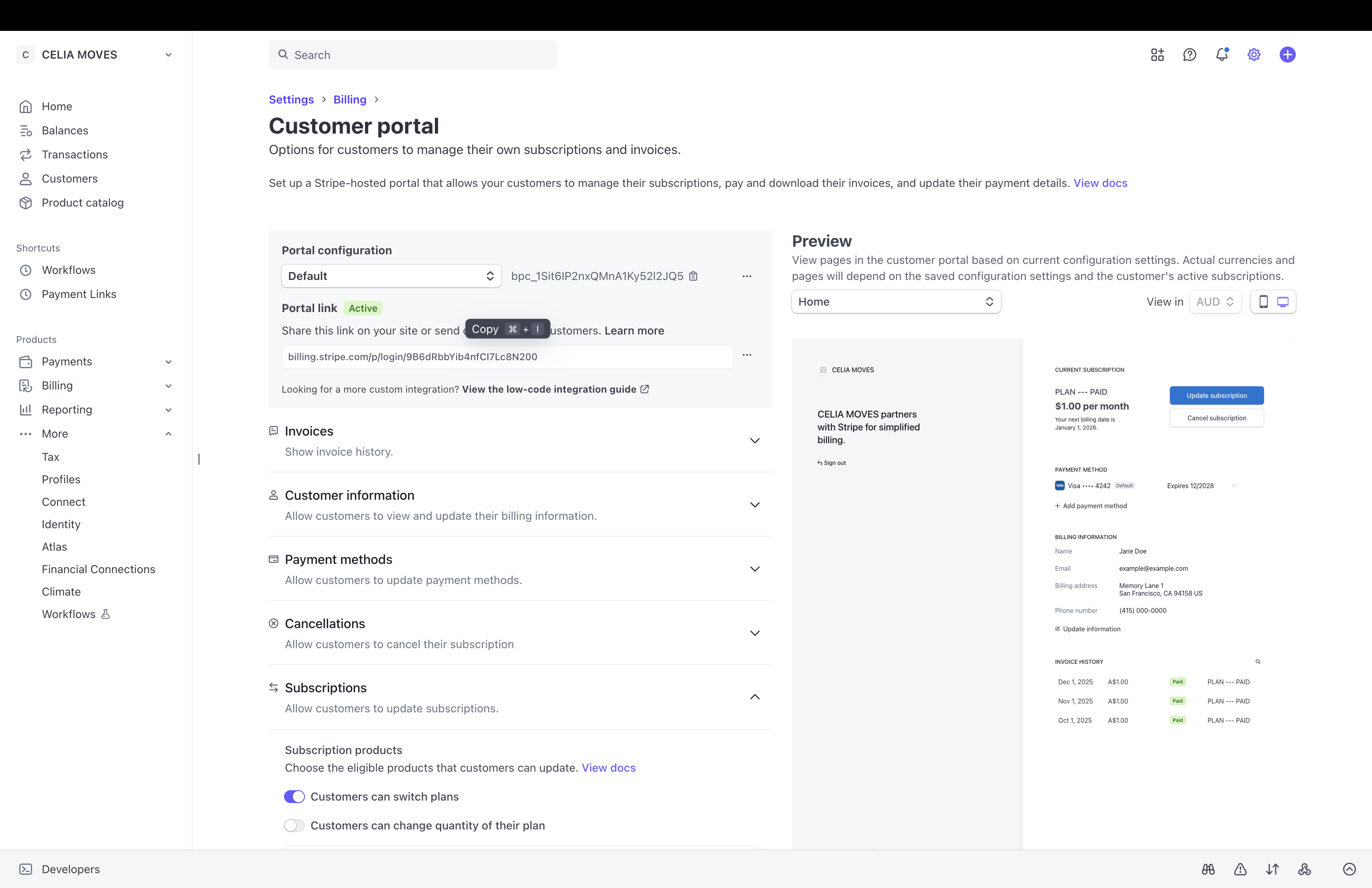
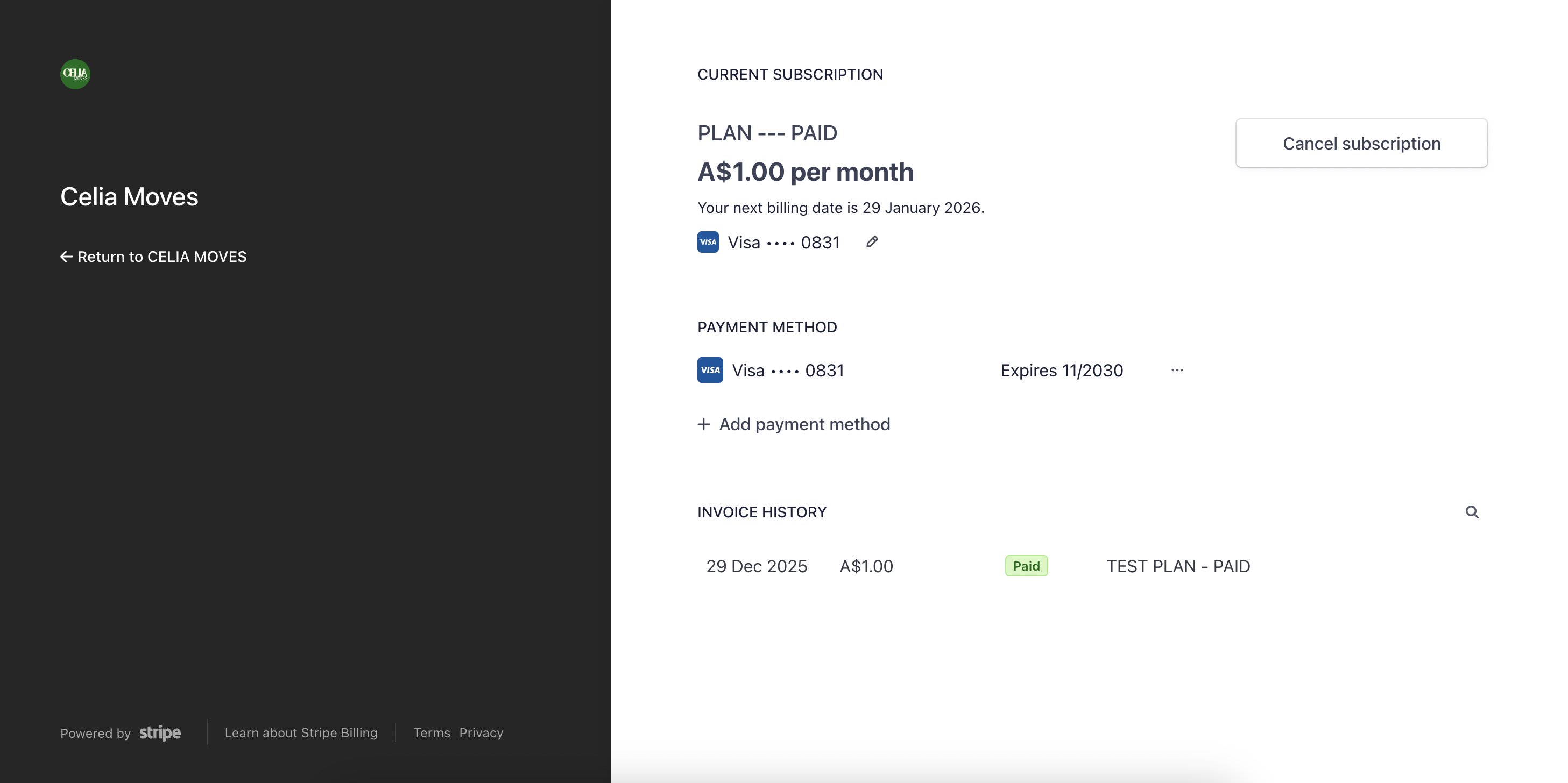
We have an issue to be able to UGRADE Subscription via the MS Attribute + Link. Unfortunately when I click on Secure Billing Portal via data-ms-action="customer-portal" I land on the page with my current plan and no option to UPGRADE.
It does however appear VIA the LINK provided by Stripe, so this is definitely something going on through Memberstack.
Can you please advise?
1 comment
Hi Celia,
To allow members to switch between subscription plans on your site, you need to use the attribute data-ms-price:update="PRICE_ID". This enables members to upgrade or change their plan directly. The customer-portal action opens the Stripe portal, which only shows the options configured in Stripe and may not include an upgrade flow.
For example, to upgrade from a basic plan to a premium plan:
Replace price_XXXXXXXXXXXX with the ID of the plan you want the member to switch to. When clicked, the member’s subscription will update seamlessly.
Please sign in to leave a comment.