
Hello! I have 2 quick questions! 🙂
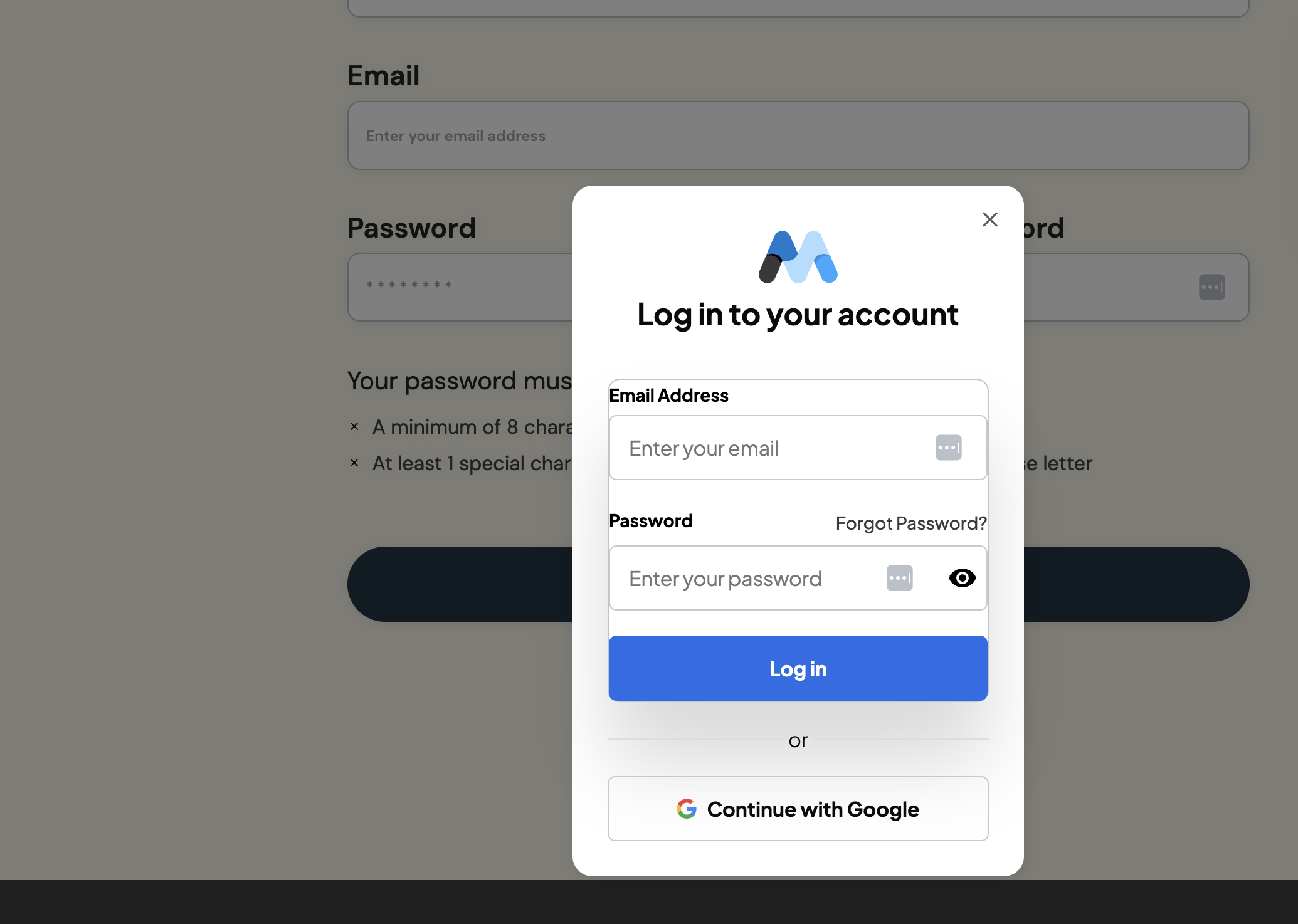
- My clients are receiving this popup (uploaded in image below) when they click on signup with Google and they are wondering if there’s anyway to get rid of it? They are currently on test mode so maybe this will go away when it’s live?
- I’m trying to pull in the member’s first name onto their account dashboard as well as give the option for members to change their firstname if needed! I have the attribute data-ms-member=“first-name” set in Webflow and in Memberstack buttt I’m a bit unsure how to also collect or change this info! Do I use the same data attribute on the signup form to collect that first name and to also change it?
4 comments
Hey Olivia Su,
Hope this helps.
Hi A J! Thanks for your quick reply! The profile form worked (yayy!!)
I’m actually not seeing a data-ms-modal=“login” on the google login button (but alsooo it’s mainly showing up for my client but looks fine on my end)!
I’ll share the site link in case that’s helpful:
https://preview.webflow.com/preview/mitch-and-justine?utm_medium=preview_link&utm_sour[…]&pageId=68f62ebb44c75e1689bd0b0e&locale=en&workflow=preview
https://mitch-and-justine.webflow.io/login
Hey Olivia Su,
Great, glad it helped.
Regarding the modal issue, I can see a couple of modal attribute in Signup and Login pages. I will list them here and once you remove it, the issue should be solved.
Signup page:
Login page:
You can remove these since you have already linked the relevant pages for it and won't need the modals in that case.
Hope this helps.
Thank you!!! This worked!! A J
Please sign in to leave a comment.