
Hello everyone, hope you're all doing well!
I'm working on a marketplace project and want to allow users to upload multiple images when creating a new listing. These images will be displayed in a photo gallery on the website. I'm using Webflow for the CMS and Make.com for the automation scenarios.
I can't really figure it out. Would it be possible to help me with this? I want to achieve the following:
When a user create a new listing they must be able to upload 1 or more photo's. 1 as minimum and 5 as maximum. Also they should be able to select one picture as the primairy thumbnail picture.
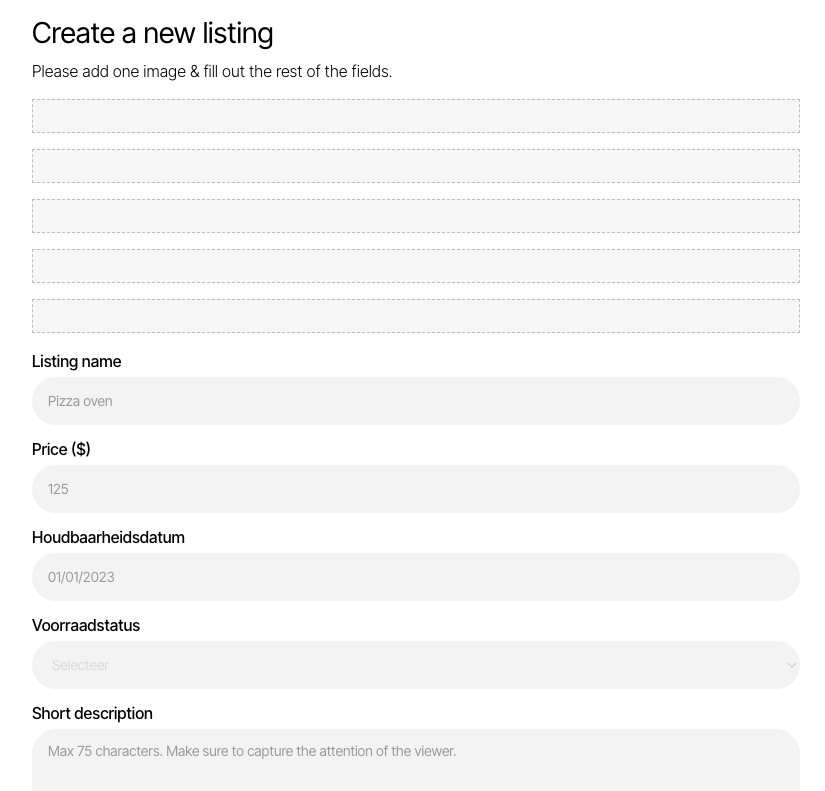
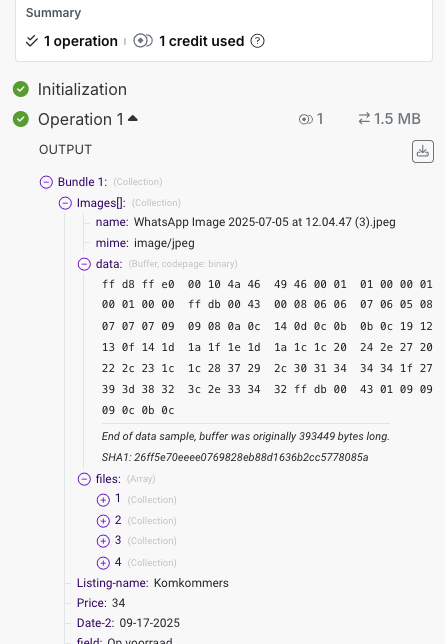
I changed my form to a single upload div. Here is the data being processed in make.
2 comments
Hey Ralf Djojomoenawi,
Did you get a chance to check the memberscript tutorial I shared earlier? That should help you out in your use-case.
You can map the data field that you show in the 2nd screenshot to the Google drive upload module and it should give you a URL you can utilize for other use-cases.
If you want to store it in S3 bucket instead, there's a tutorial for that here.
In order to limit the number of files that can be uploaded etc., you can try exploring Uploadcare. I have seen users in this community use it for their projects, you can check out if that suits your requirement.
Hope this gives you some idea.
I fixed it! Thanks for helping, i'm not sure what I did but it's working lol.
Please sign in to leave a comment.