
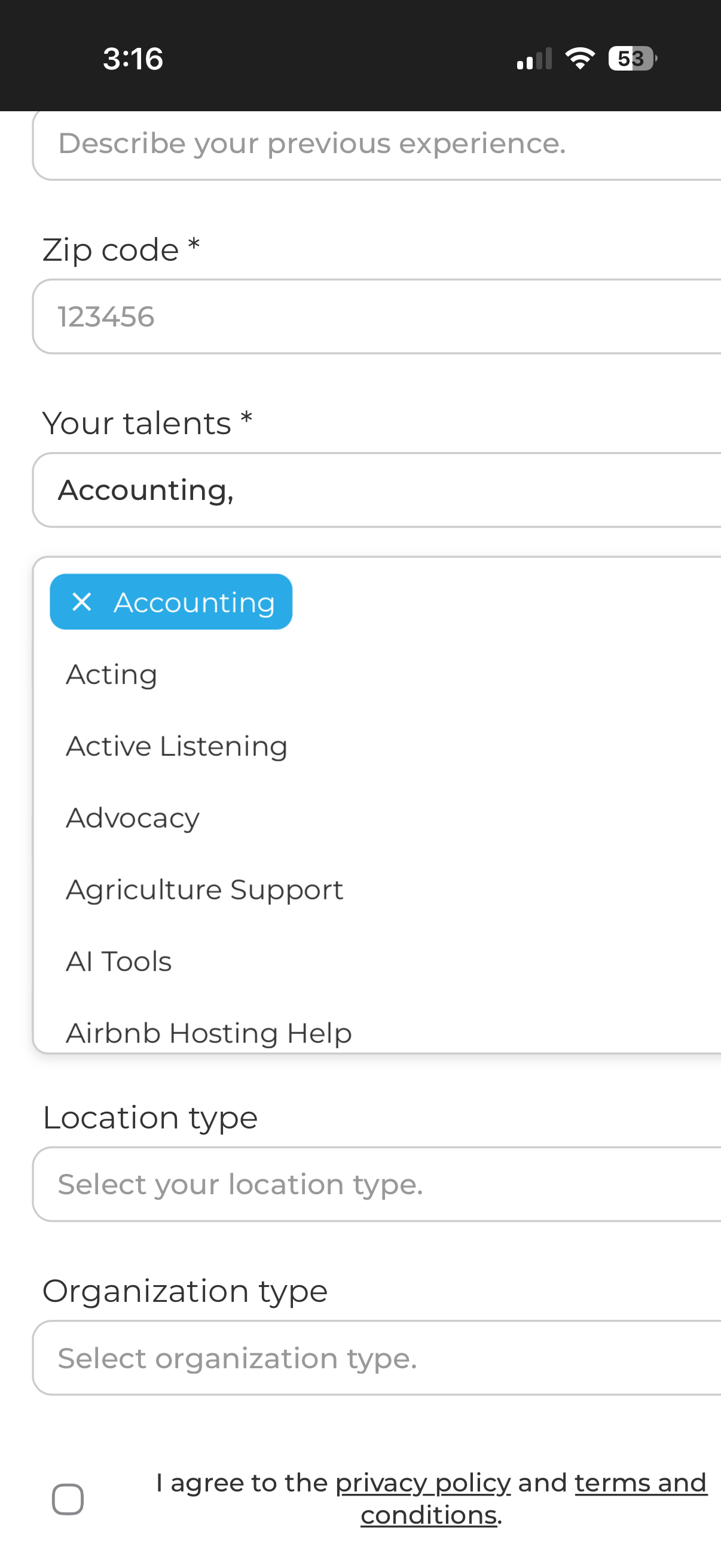
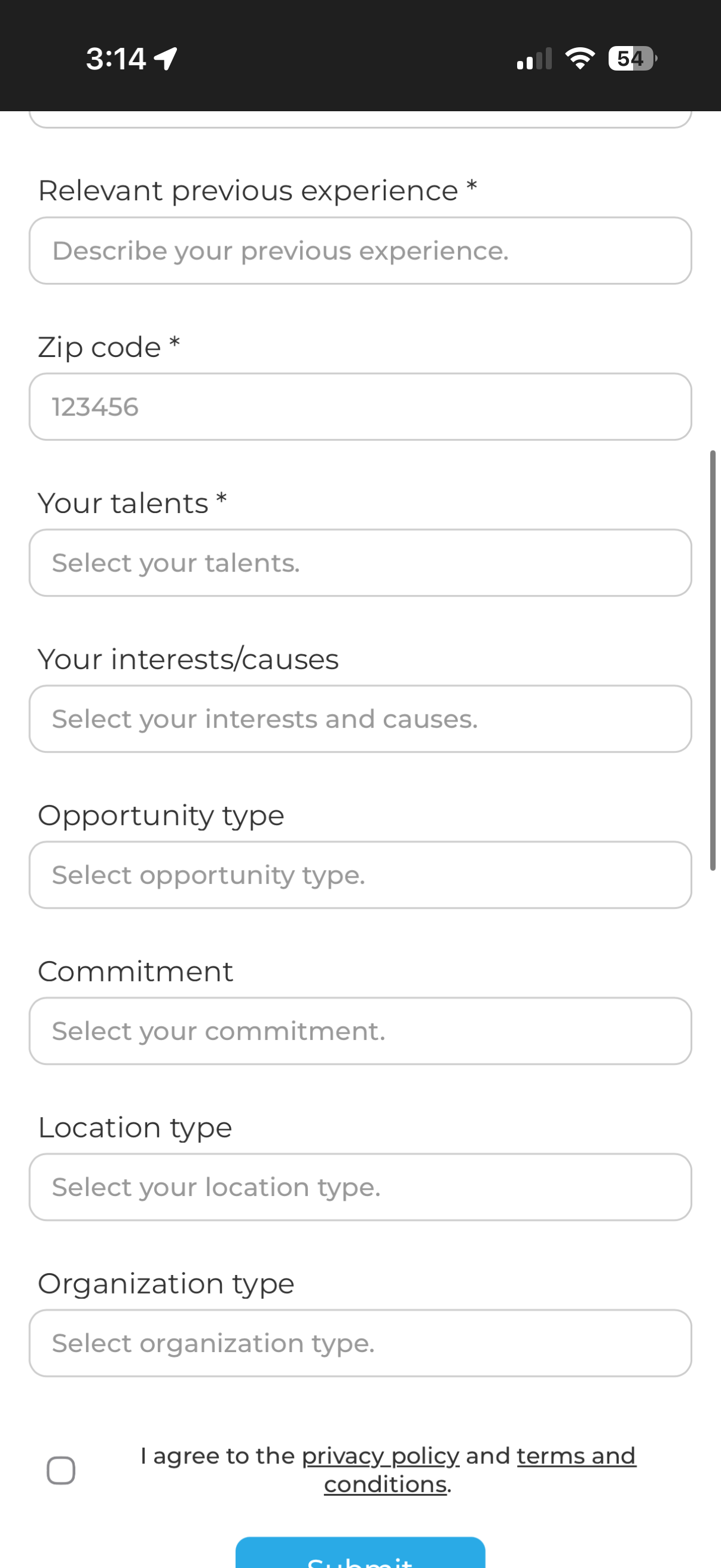
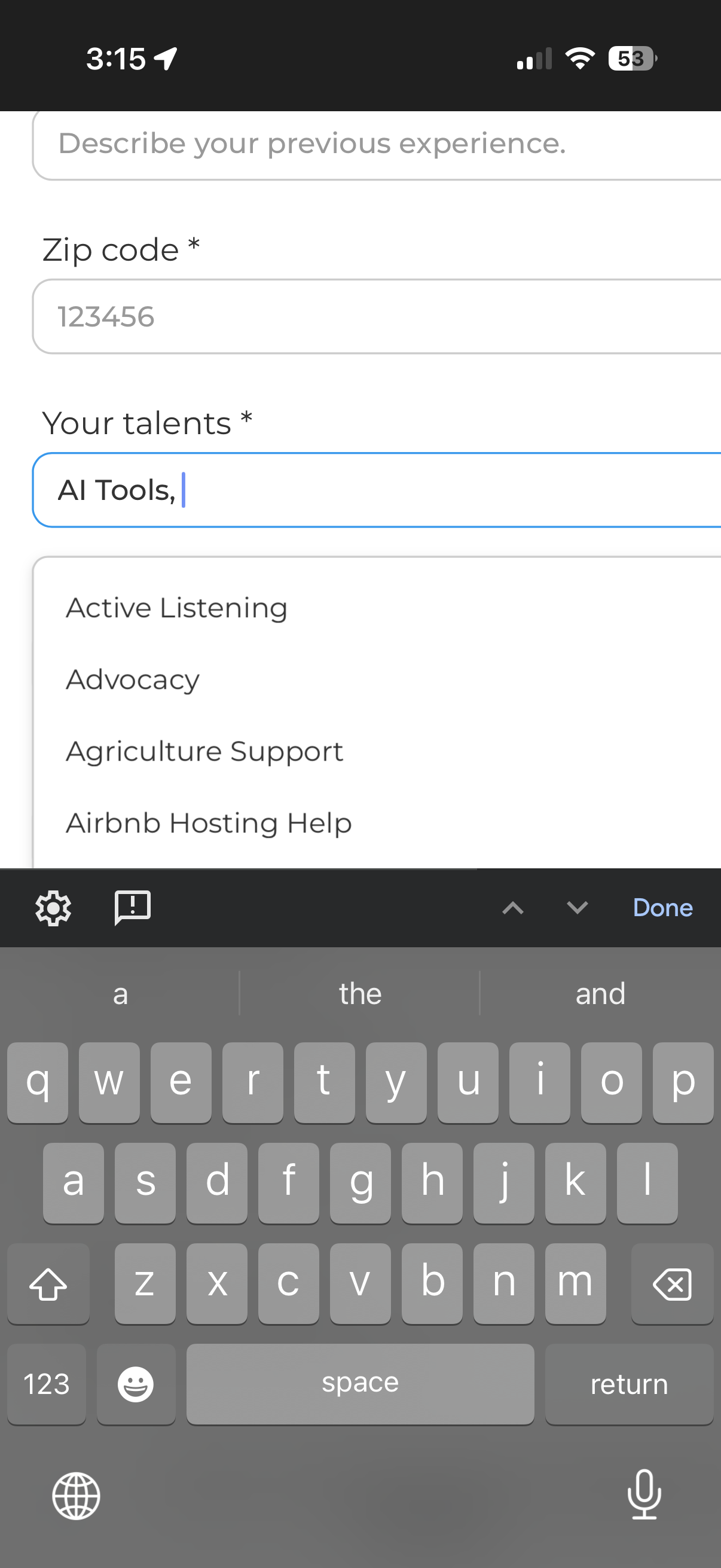
Hi! I'm using memberstack script 109 for the multi select search fields. I have multiple on them on one page (see ss). Everything works great, except for the fact that on mobile in order to hide the select field you need to physically click off of the select field in order to hide it. The native "done" button that appears on the iphone keyboard or the down arrow at the bottom of androids does not hide the select field. It ends up blocking my other fields and creates a big mess. Is there a fix to this so that the "done" button on the keyboard actually hides the field? Please see the screenshots below--they probably explain my issue better than I do haha.

4 comments
Daniel Haas, yes that's possible. I have modified the above code as follows to include 10 items cap limit, if the user selects more than 10, they will be alerted for the same:
Hope this helps.
Hey Daniel Haas its a bit tricky to set this up based on done / arrow button on mobile keyboards. But I was trying to create a workaround to simulate how better select fields close the dropdown for each selection / removal made.
So, I modified the 109 script as follows:
You can test this out in a dummy page with the multi-select field if you want to test how it works. Basically, when a user selects / deselects an option, the dropdown closes itself. Let me know if this helps your use-case.
Hi A J Always great to see your helpful responses. This isn't exactly what I was thinking of, but now that I think of it, it is definitely the easiest solution and I can confirm it works so much better on mobile now.
I'll be using this. Thanks!
Sorry, one more thing. Is there a way to add a maximum number of selections? I have hundreds of options to choose from, and to prevent people from overloading my api I want to cap it at 10 selections for each select field.
A J as always, this is literally perfect. Thank you so much!!
Please sign in to leave a comment.