
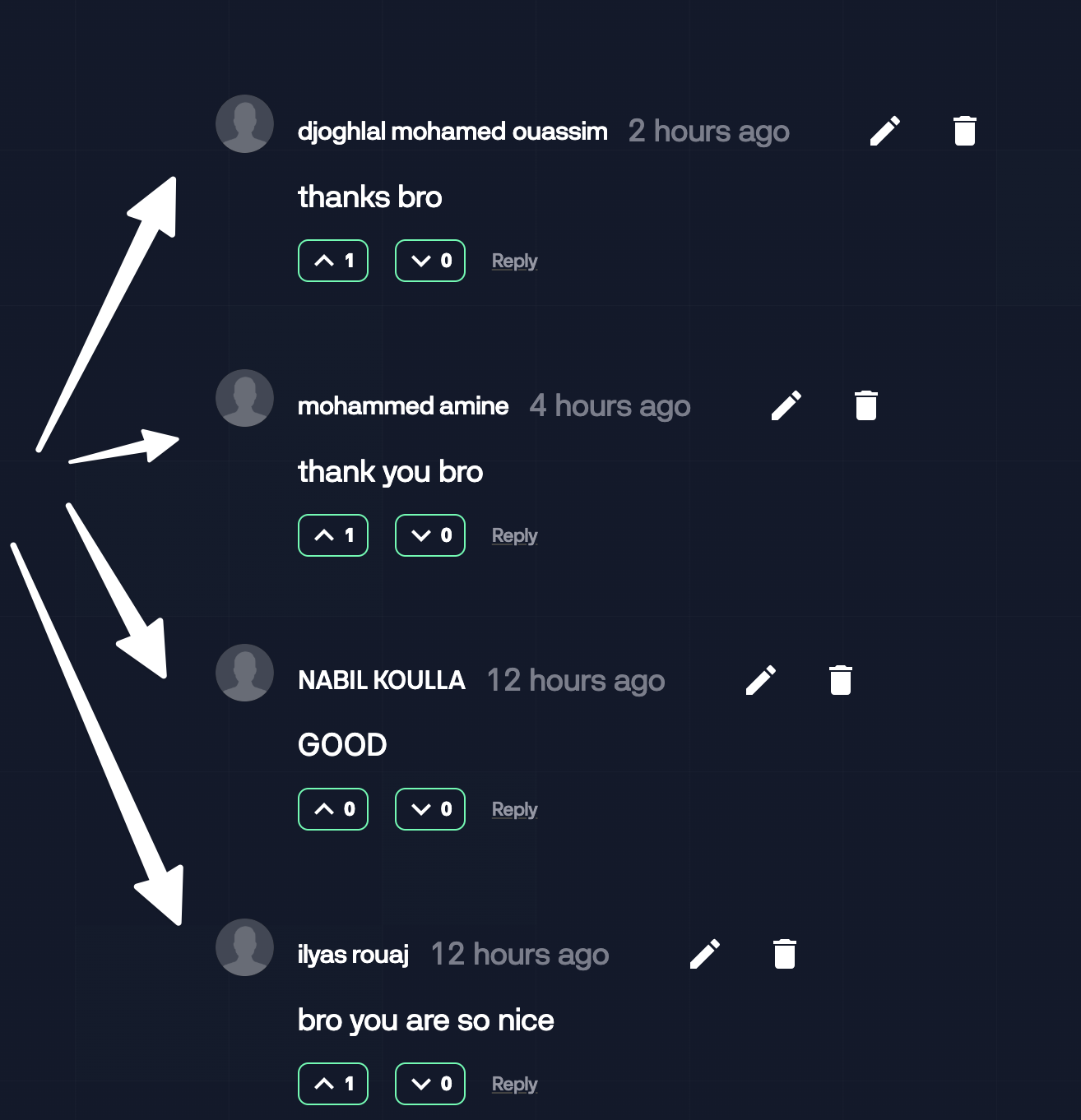
Hey guys i have an issue which the ownerProfileImage is not showing, i already uploaded this custom code that you guys provided me with but still the image is not showing, here is the custom code to force it to be shown:
<script> document.addEventListener("DOMContentLoaded", function() { setTimeout(function() { for (var i = 0; i < document.getElementsByClassName("c-comment-img").length; i++) { document.getElementsByClassName("c-comment-img")[i].srcset = ""; } }, 2000); });</script>
------here is the link to register and test it out: www.skill.ma/fiverr-starter-course/fiverr-starter
I would appreciate the help guys
1 comment
Your image class is
comment_imageand your code is trying to change this class calledc-comment-img, because it doesn't exist it doesn't change anything.You can replace the non existent class for the one you have on Webflow
Please sign in to leave a comment.