
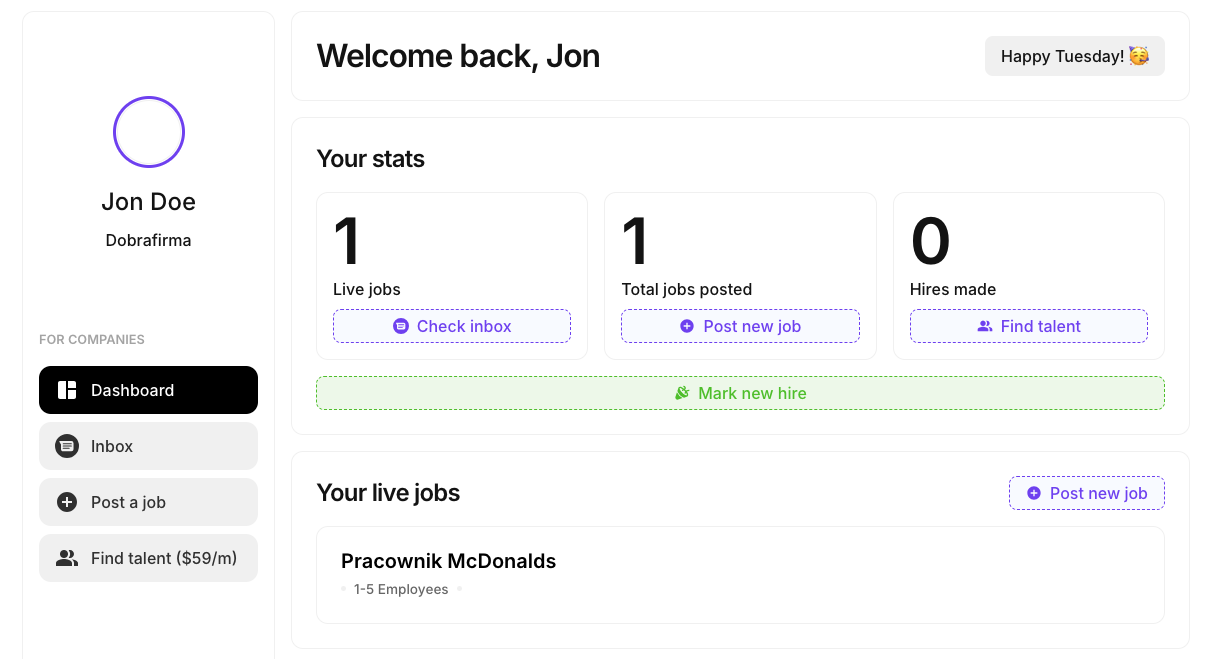
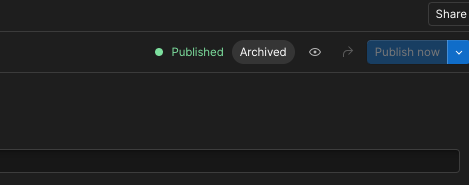
Hi there Memberstack friends 👋 😀 I have got some issue with deleting the job in the Job Board Template. I can't unpublish cms items (job). The Make scenario for deleting job only ads "Archived" status to the item, but it is still also "Published" and visible in users dashboard as well as in the all jobs page. Appreciate any help!
3 comments
Hey Simon 👋 Do you know why you can't unpublish the CMS items? Or is that what you're trying to solve?
Hey Duncan Hamra 🙂 Thank You for your response. I'm looking for the basic functionality for the user to delete the job listing. Currently, the user clicks the button"Delete job" in his dashboard, the Make scenario works and when I check in Webflow CMS, the item gets the status "Archived", but the item is still present on public live site. Is is visible for the job poster in his dashboard. And it is visible for everyone on the page where I have cms list with all jobs. [...] So the problem is that the user is not able to delete job listing he posted.
Hey Simon Vee, Webflow will remove the archived page from the live site once we publish the site again. You can do this by adding a module "Publish site" in the Delete job workflow.
As an alternative though, in the Update item module where an item is marked 'Archived', try if marking the CMS item as "Draft" removes it immediately from the live site without requiring us to publish the whole site again. If it works, you can take this approach to minimize the calls made to Webflow API.
Let me know if it works.
Please sign in to leave a comment.