
Hi - any advice on this issue would be most appreciated
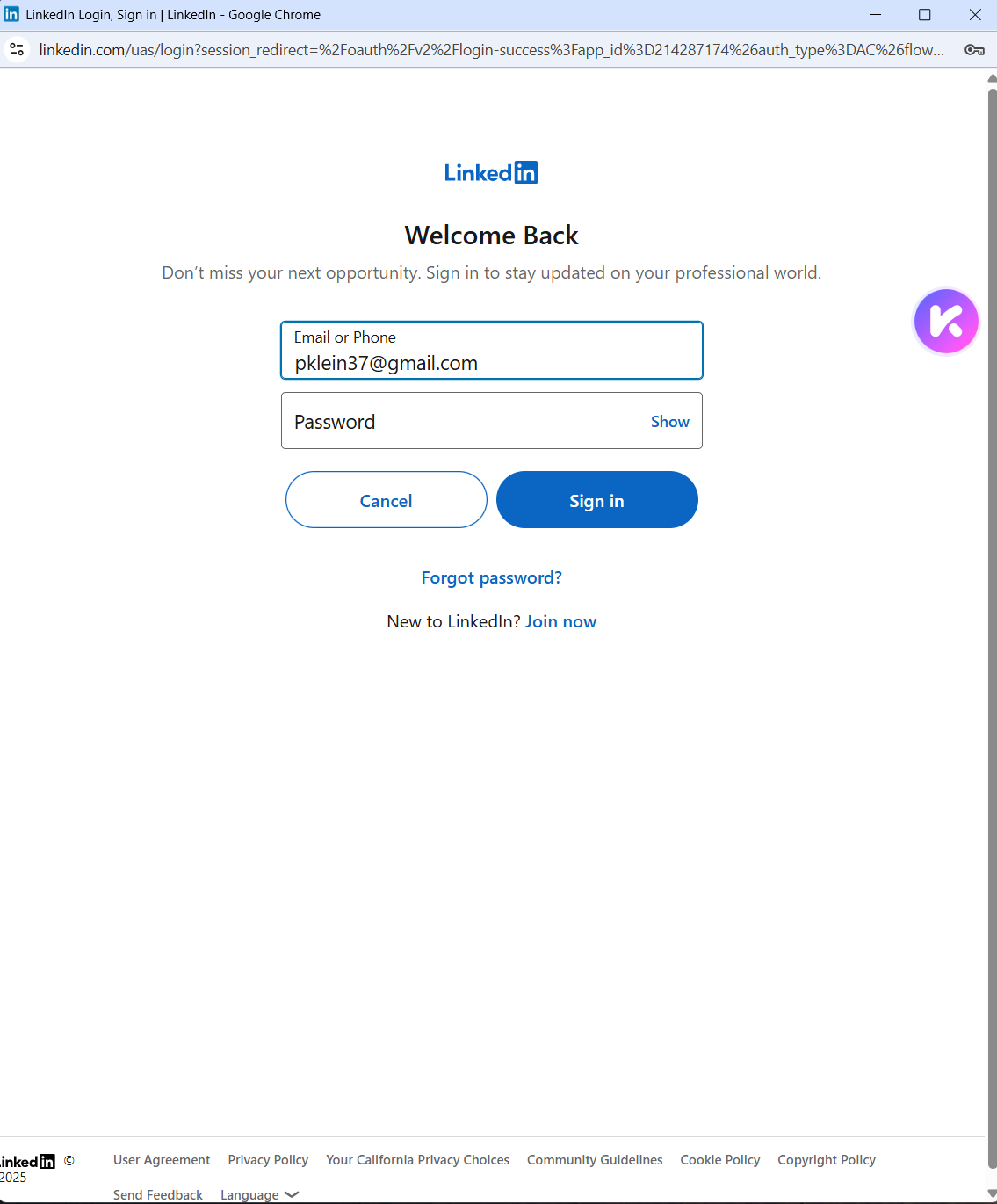
Memberstack LinkedIn login: If a user has already authenticated with LinkedIn.com in their browser, I would expect the Memberstack SSO to pass straight through, without seeing a user and password entry screen.
I noticed that the screen doesn't appear, and SSO works straight through, only if I have logged in to LinkedIn.com very recently in my browser. However, if my login was from a few days ago, then this pop-up always appears, even though LinkedIn.com is authenticated.
Any advice on how we can ensure SSO if flawless and always without the need to enter user/pwd, when the user already has an authenticated session with LinkedIn.com ?
Thank you!!!
Peter
3 comments
Hi Peter,
The behavior you're seeing is expected and depends on LinkedIn's own session policies, not Memberstack. Here’s a breakdown:
Even if a user is already logged into LinkedIn, LinkedIn’s OAuth (SSO) flow sometimes still prompts the user to re-authorize or re-enter credentials if:
Their session is older or considered stale by LinkedIn.
Their last login didn't include an active LinkedIn OAuth token.
LinkedIn's internal security checks (like IP/device/browser change) trigger a prompt for re-authentication.
This is LinkedIn’s security behavior, not something controlled by Memberstack or the website itself.
Unfortunately, there's no way to force silent SSO unless LinkedIn chooses to skip the login prompt. However, here are some notes:
If the user recently authenticated on LinkedIn in the same browser, LinkedIn will typically skip the prompt, as you’ve observed.
You cannot bypass LinkedIn's login screen programmatically if they’ve determined the session is stale or needs re-confirmation.
This is standard for most OAuth providers. They ultimately control whether a login screen is shown.
I hope this helps.
thank you! very helpful! so why is google sso always a one click (never expiring state login)? Is it because of chrome?
It should be how Google set up theirs. 🙂
Please sign in to leave a comment.