
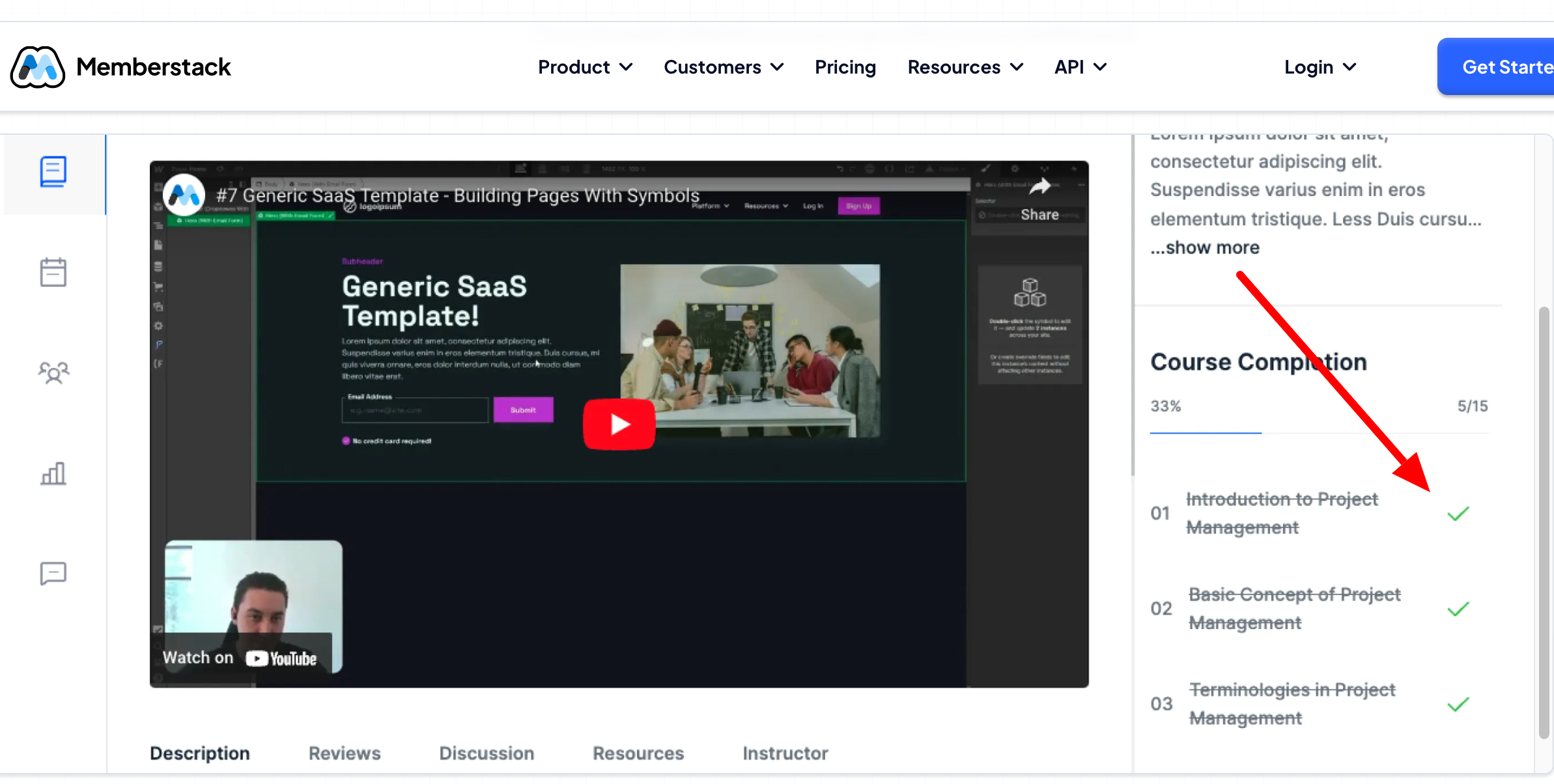
Hello everyone! We are using this free memberstack component for our courses module MVP. We are using paid version of Vimeo to host the courses video. We would like the "green" checkmark and Lesson within the course be marked out like you see in this UI/UX Example once the user has completed watching the video until the end. We are trying to do as much Low-code/no-code as possible and wanted to see if anyone has found a workaround to make this action happen for users and track this on our backend of lessons completed within a course?
3 comments
Script #185 could be a helpful piece of the puzzle here. It tracks course progress with milestone badges and completion percentages, which aligns well with your goal. However, since you’re using Vimeo, you’d need to pair it with Vimeo’s Player SDK to detect when a video finishes. From there, you can trigger the “green checkmark” and update progress—either via Member JSON or a custom attribute. It’s not fully no-code, but it’s one of the leaner ways to get this working.
Hey Chad, I believe the easiest solution would be to let users mark a lesson complete like how its done in Premium Course Template.
But if you want it to be automatic, you might have to explore the custom code way to combine the user info with the Progress info that Vimeo's Player SDK gives and run an automation to possibly link the progress to the member or you could opt for storing that info directly in Member JSON.
Ok thank you A J we were thinking the same thing.
Please sign in to leave a comment.