
Hi guys! I'm using Memberstack with Webflow and running into a huge issue. I'm using tabs to display components from memberstack. When the site goes live, all of tab's content completely disappears. When I remove the Memberstack code snippet from the header of Webflow, all of the content displays. Any advice as to why this happens even when the components are from memberstack would be greatly appreciated. I have attached images for reference.
Most of them are there but I have created the fields for few of them. Would that cause all of the content not to display even if only some of the fields are not created?
Thank you!

6 comments
It shouldn’t be but we have to debug from there!
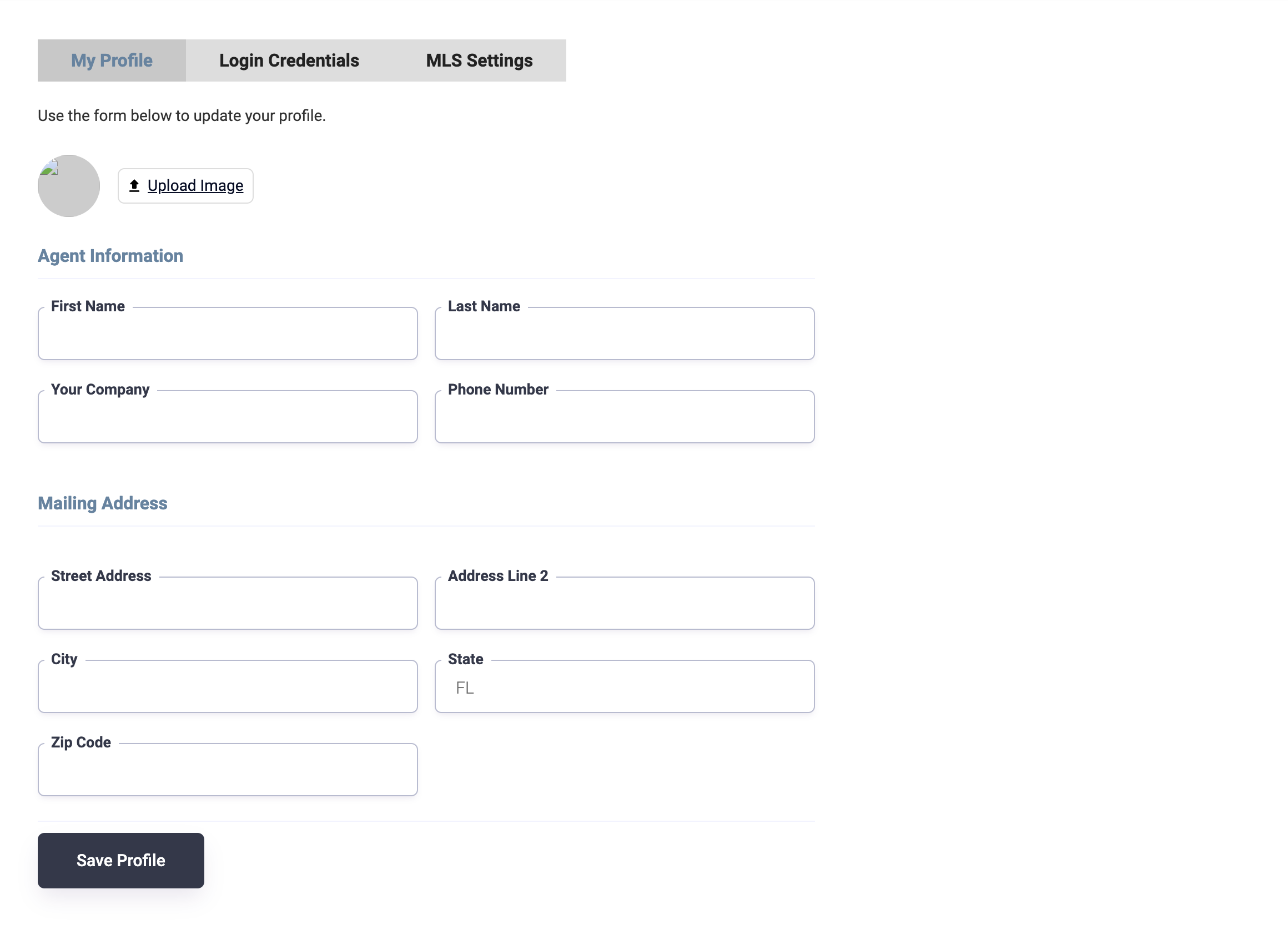
Hey Corey Preston this usually happens when you are working with profile forms. We hide profile forms from logged-out members. Gets me all the time.
That did it! Thank you so much - It's working for me now
Hi, i have this issue of where the page looks in the preview sticky but when live it doesn't work.
Here is the preview Link:
https://preview.webflow.com/preview/skillma?utm_medium=preview_link&utm_source=designe[…]&itemId=66bebb73227413db901de0a1&locale=en&workflow=preview
Also For this page the same issue of where the page looks in the preview sticky but when live it doesn't work. Here is the preview Link:
https://preview.webflow.com/preview/skillma?utm_medium=preview_link&utm_source=designe[…]&pageId=66c41029d0984fc27c921d9d&locale=en&workflow=preview
Hey ilyas el megarbi, just add this line of code in the
section of the template page or any page where you want a section to be sticky:
body {overflow: visible;
}
Hopefully this should solve the issue on the live site, let me know if you still face issues.
A J Much Appreciated For Your Help Man.
Please sign in to leave a comment.