
Is there a way to customize the login / sign-up modal? I keep getting a default one and I don’t have it located on my page at all. No idea where it is coming from. I am in test mode right now. No idea if that makes a difference.
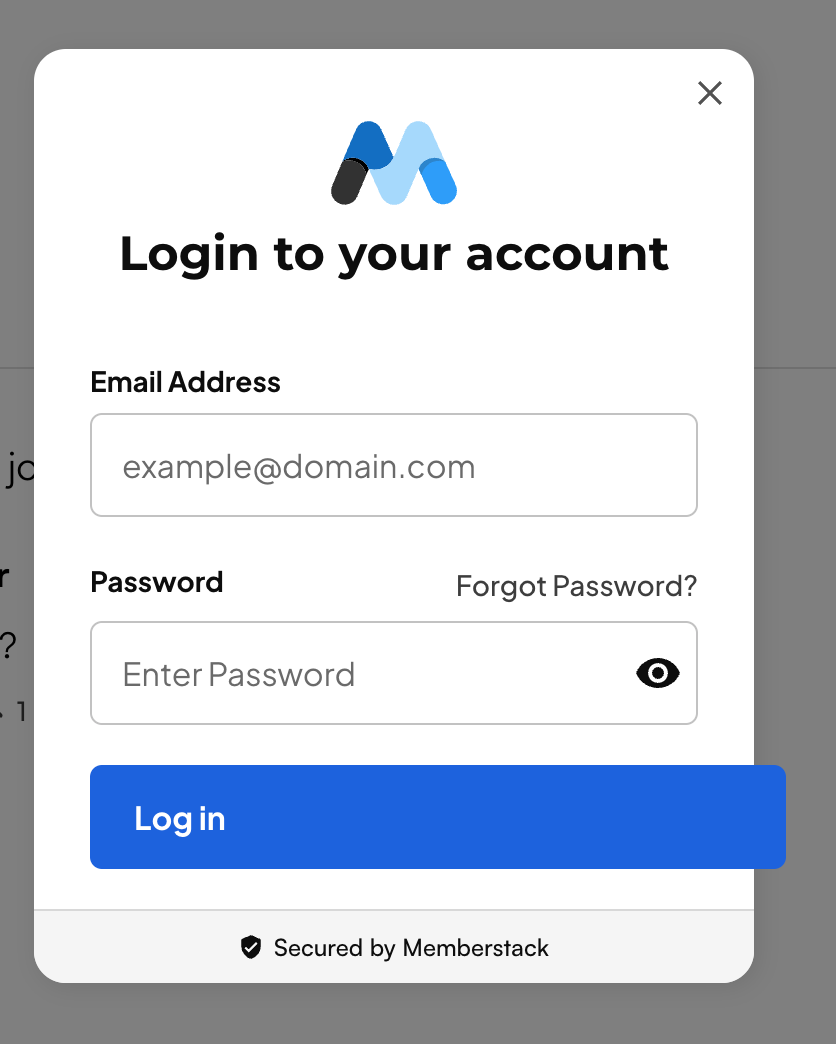
I am copying and pasting other popup components on page, but they aren’t being used instead. Can’t seem to change the look of the default popup at all.
14 comments
You have to change the attribute to not use the built in module.
Julian Galluzzo I can’t find the documentation on how to change the default modal.
Is it possible to modify the pre-built LOGIN and PROFILE modals to remove the Google Auth button and the "secured by Memberstack" text?
no you cannot
Ofc! Using the prebuilt templates for signup / signing are thankfully super easy and fast
https://www.memberstack.com/webflow-components
Thanks for the quick response Alessandro 🙏
Is there any way to include a link to terms and privacy policy on the signup modal and add a message about signing up and agreeing to these? Currently using the default signup modal with some custom fields.
Hey John Bralich, have you checked this signup component?
https://www.memberstack.com/webflow/sign-up-with-password-confirmation
This is nice. Can definitely use this. Thanks!
related to this, is there anyway to change the font color of the default modal? My field names show up in white font color
Hey John Bralich, yes you could very well customize the styling in the right side panel available in Webflow. Let me know if you are using some other tool
John Bralich here's how to override the CSS of the default modals: https://docs.memberstack.com/hc/en-us/articles/20172913663771-How-Can-I-Customize-the-CSS-in-Memberstack-s-Pre-Built-Modals
Oh yes, John Bralich, thought you were talking about components. To change the color of the default modals, the above link should help ☝
Echoing Grant Faucher's question. It's been awhile since I've done this, but it seems like there are some gaps in the documentation.
I found one instance of online help that mentions Memberstack's pre-built modals. I've pasted several different Memberstack components into my project and am continuing to see the default modal. Have rolled back and started over several times now. Troubleshooting documentation would be helpful.
Also not seeing anything on where to paste components and if that matters. As I recall and from videos, think it can be in its own page.
Lastly, I forgot about the app. It was mentioned in one video, but not seeing it mentioned in any of the written docs that I've looked at today.
Update: I now understand one place where I was confused by documentation and went down a bad path. It would have helped me on the "Create a Signup Form in Webflow page for there to be language like "Pick one of these options: Option A - Copy & Paste, Option B: Pre-built Modals, Option C: Start from Scratch."
I was trying to follow everything under A, B, and C and struggling to get it all to work together and make sense of how it should all work together (which it shouldn't.)
Please sign in to leave a comment.