
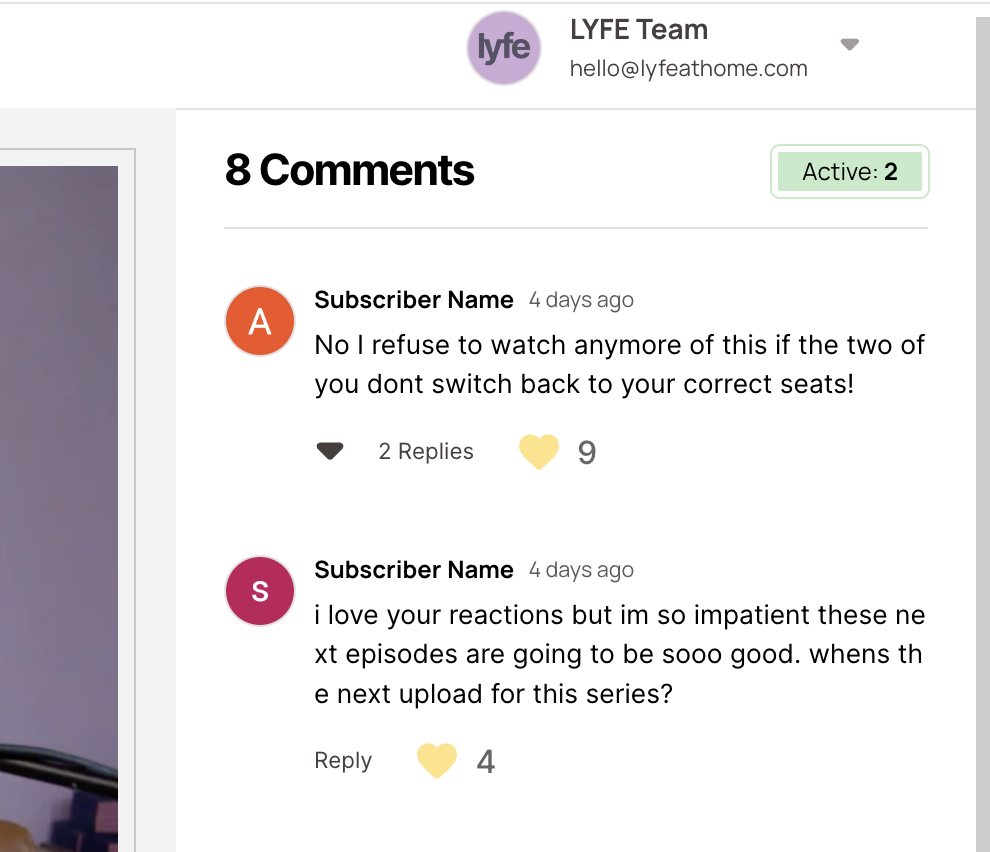
Anyone else having issues getting the user's first name & last name to sync with their comments?? I've got the data-ms-thread-creator="first-name" & "last-name" attribute in place, but it simply doesn't seem to be propagating correctly. Perhaps I'm overlooking something?
6 comments
Hey Doc, most likely you haven't set your first and last name custom fields to public visibility in the dashboard.
Go to the dashboard, go to custom fields, click on your fields, and set visibility to public.
Bingo!! That's it. Thank you!!
Tyler Bell - While I have you, are comment notifications a thing?? Can users be notified when they get a reply or like??
you're welcome!
We don't have notifications yet, but something we will be exploring this quarter - just no timelines yet.
Any reason why the first name won't show up here? Thanks in advance!
Hey Spencer Moser, you have to set the first name to be public via memberstack dashboard. You can do so via Edit Custom field --> Advanced Commenting Feature --> Public.
Repeat the same for any custom fields like last name if you want to use it in commenting section.
Hope this helps
You the man, thank you! A J
Please sign in to leave a comment.