Hello guys, how do I remove the test mode badge, in spite of being in live mode in the settings?
The domain is www.latamfintech.co
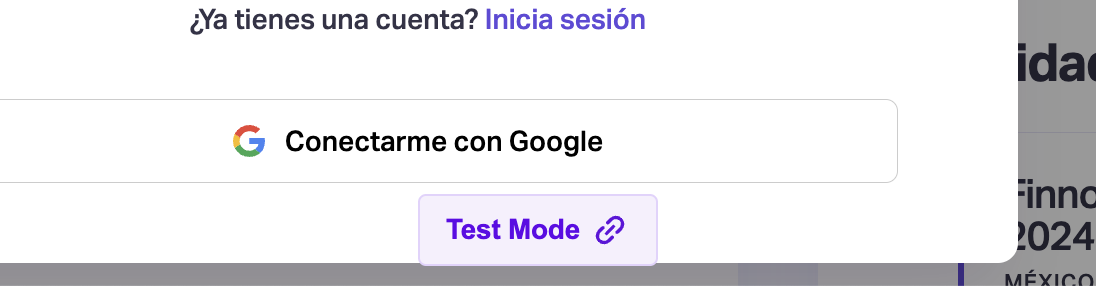

Hello guys, how do I remove the test mode badge, in spite of being in live mode in the settings?
The domain is www.latamfintech.co
6 comments
Hey, Edwin. This guide will help you remove test mode https://docs.memberstack.com/hc/en-us/articles/7595262385819-Managing-Test-Mode-and-Live-Mode-Domains
Edwin Zácipa can you try adding and removing the www. From your live domain? I think that could be the source of the problem
Edwin Zácipa Upon checking your Memberstack setting, I discovered you had the test mode option set instead of Live mode. I've changed that for you and now the test mode badge has disappeared from your website. 🦜
I was also able to sign up and log in successfully.
Thank you Chukwudi! it works good ;)
Hi Chukwudi- I and our users are having that issue as well randomly - when you say removed the www prefix, do you mean in the application domains section? remove www from the domain names? www.bravestarts.com
Hi Harris, yes, it's in the application domains section.
I've fixed that for you now.
Please sign in to leave a comment.