
🚨Help: I have integrated Memberstack with Webflow, and for some reason, when I try to create an account, I get this modal for a couple of seconds. When I try to log in, this modal stays sticky. How can I make it go away?
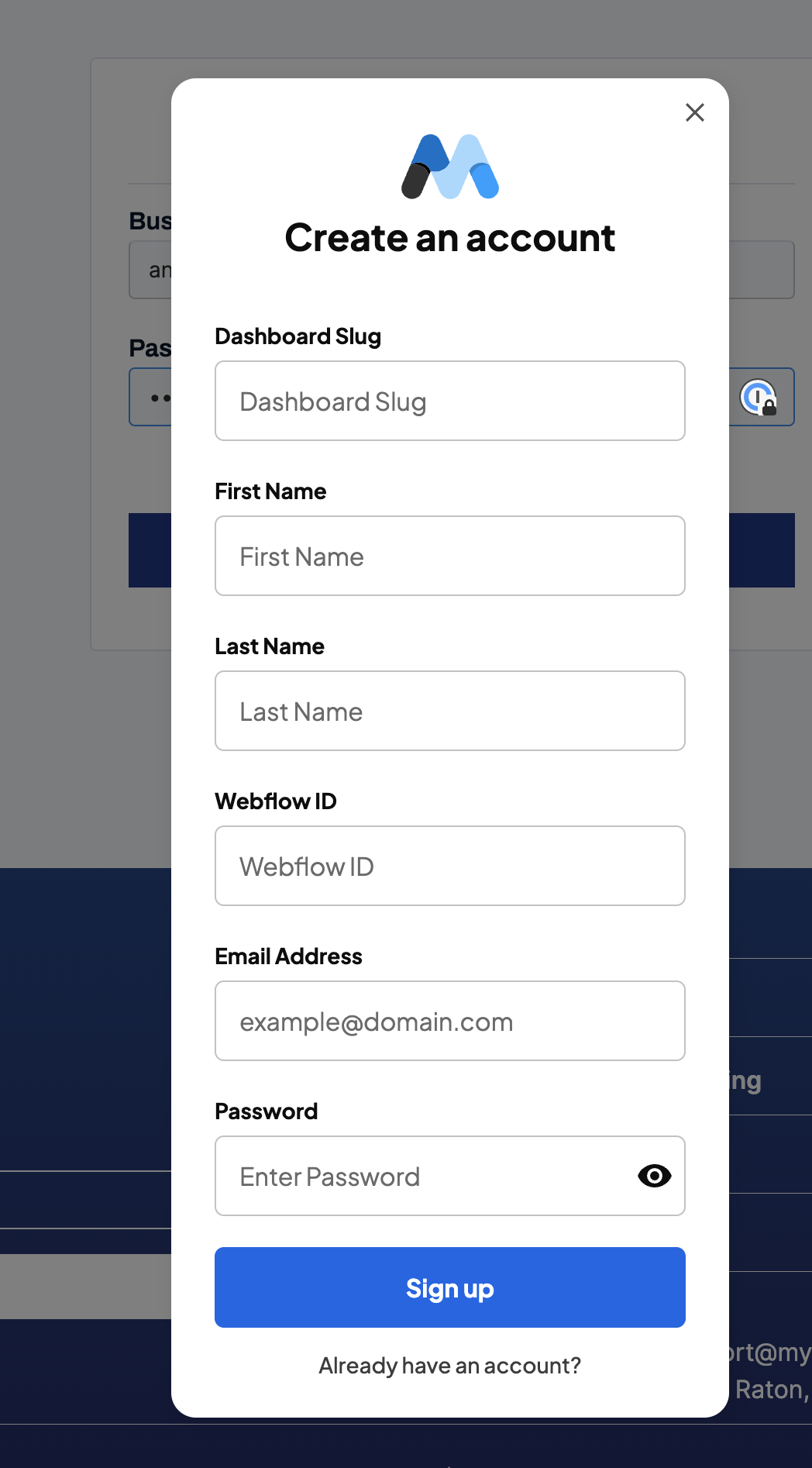
Link to the site: https://sphereworks.webflow.io/sign-up
Try signing up, you’ll see that before triggering Stripe, this appears. Also, then you’re logged in, and users attempt to log in (with a session open), it triggers the same Memberstack popup, but it stays there
6 comments
Hey Andrés Esquivel
I just took a look at your site and noticed you have a data attribute to open up a modal on the signup button. If you remove this data attribute the modal should be gone.
the login has the same data attribute
Thank you!
Will try! Also, do you know how I can do a login-redirect from a Webflow Form? And how do I do a Login-Redirect action on the actual Login Page
For context, each member has its own Login Redirect link
You can login redirect directly from within webflow if you click on your save/submit button go to settings there's an option there for a redirect URL. Just include your redirect page there.
Yes but ideally we want to automate this, because we have 50+ users with different login redirects. Duncan from Memberstack CC
You could potentially set up a different free plan for each user. Then assign in memberstack on login redirect to the respective page for that member, not the most ideal method especially with that many members.
Andrés Esquivel the member-specific login redirect will automatically kick in when they login. Just make sure you don’t have a redirect hard coded into your Webflow form.
Please sign in to leave a comment.