
Hey Chat 🙂,
Wondering if anyone can help me with a redirect workflow here.
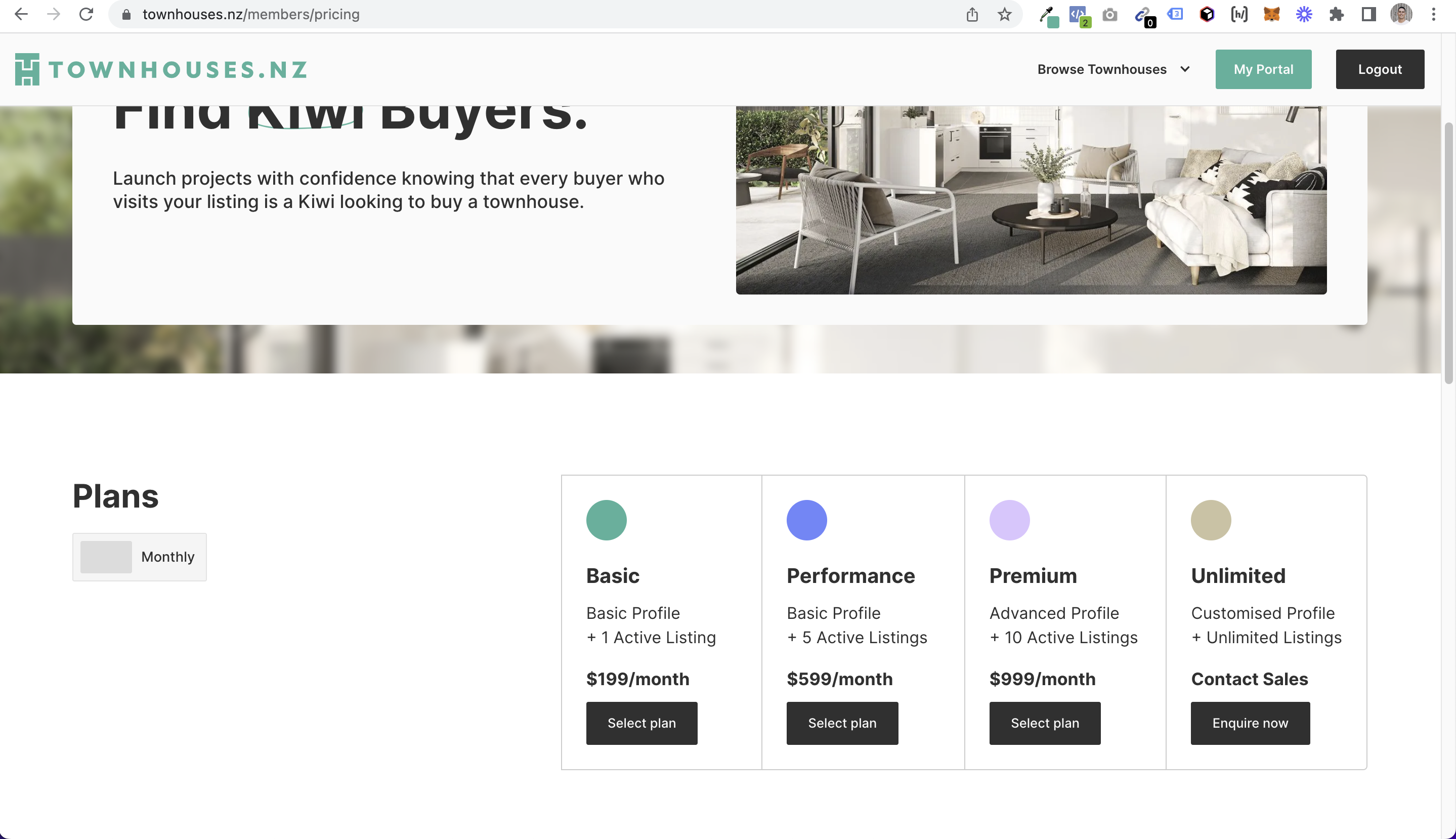
This is our pricing page AFTER someone signs up on our sign up page.
The pricing options you see in the screenshot are tagged to ADD membership plans.
But, after they fill out the stripe checkout for any plan, they are redirected back to the pricing page…
Is there a way to change this to send them to another URL? (Eg: our client dashboard page?)
11 comments
I may be wrong but I believe you can change this from somewhere in your Stripe.com dashboard,.. hopefully!
You can set redirects on a plan level this way within Memberstack 🙂
If anyone needs a more complex workflow based on custom fields or something, just let me know 🙂
Does 'on signup' mean when they upgrade plans Julian Galluzzo? Or legitimately when they sign up for a new account?
I honestly assumed 'on signup' meant once a new account is added to memberstack.
Shadi null it's actually both - when they sign up for this plan, so that could be the first plan they get, or their second
Julian Galluzzo You just blew my mind. Thanks for the info! This changes everything for me haha
No problem!! Usually that works perfect, but if your use case needs something up, I can help you make some more complex flows like if they've completed onboarding, go to another page, and so on 🙂
Yeah mine wasn’t working… But too busy to check it haha, I’ve got a budget solution for now 😆
Hi guys, I do have a question. I want to redirect my members to their own dasboard page. The Page slug is “/users/‘memberstackID’ ” Is it possible in this code snippet?
Awesome! Yeah there are a few ways to do that, but if your member ID is the slug this is perfect
I have another question: Is it possible to redirect a user to a CMS after clicking on a button in an email, for example? If they are logged in, the content will be displayed directly. But if they are logged out, they should log in and then be redirected to the CMS entry (or CMS page) -> not to their login redirect page 🙂
It is definitely possible, but would be a bit complicated and use case specific!
Please sign in to leave a comment.